Event Management

Event-Based Management for Food Trucks

Plan, configure, and run every event from a single calendar — with menus, pricing, and ordering built in.

Free to get started. Live in minutes.
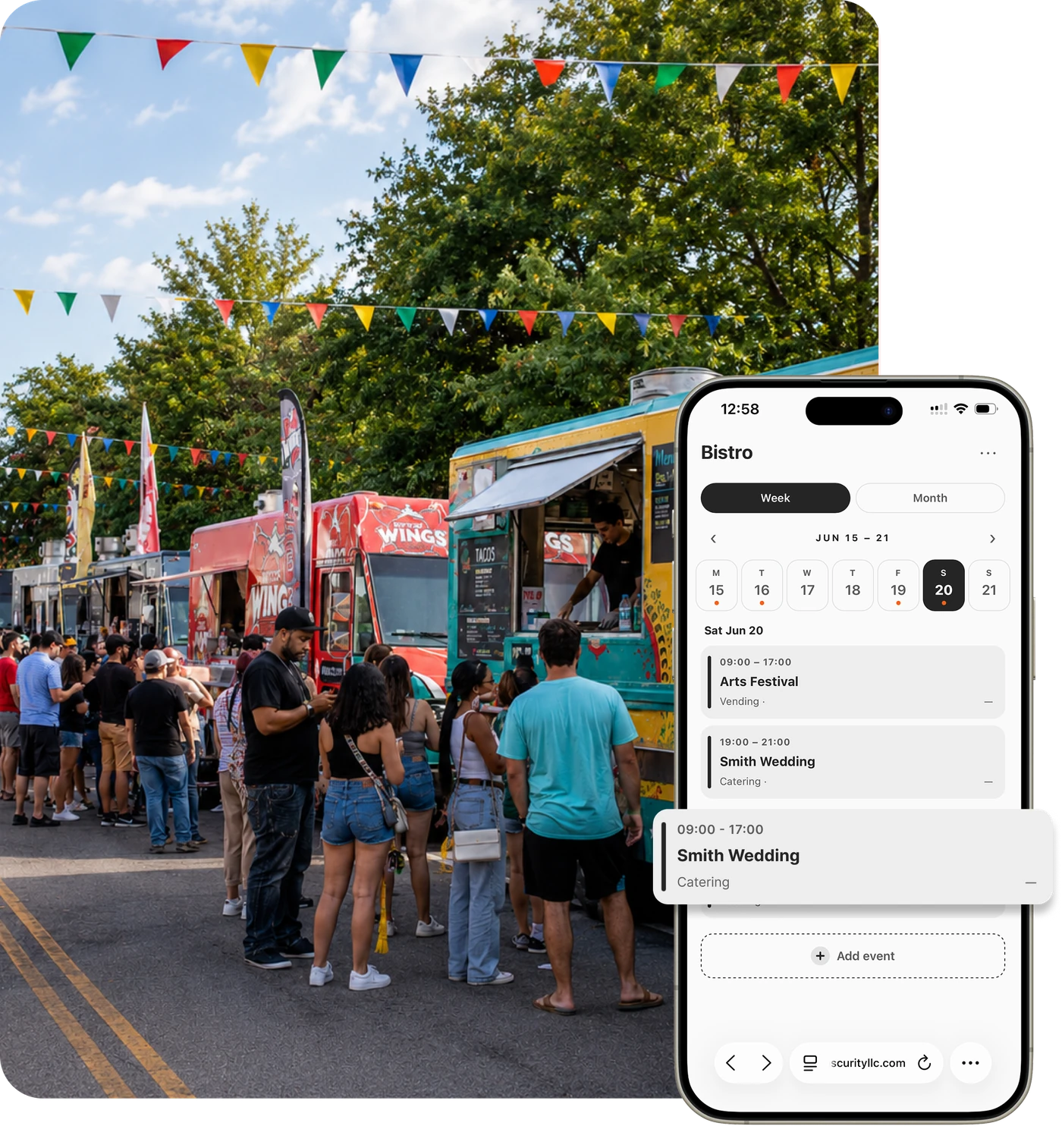
Flash Order event-based management hero
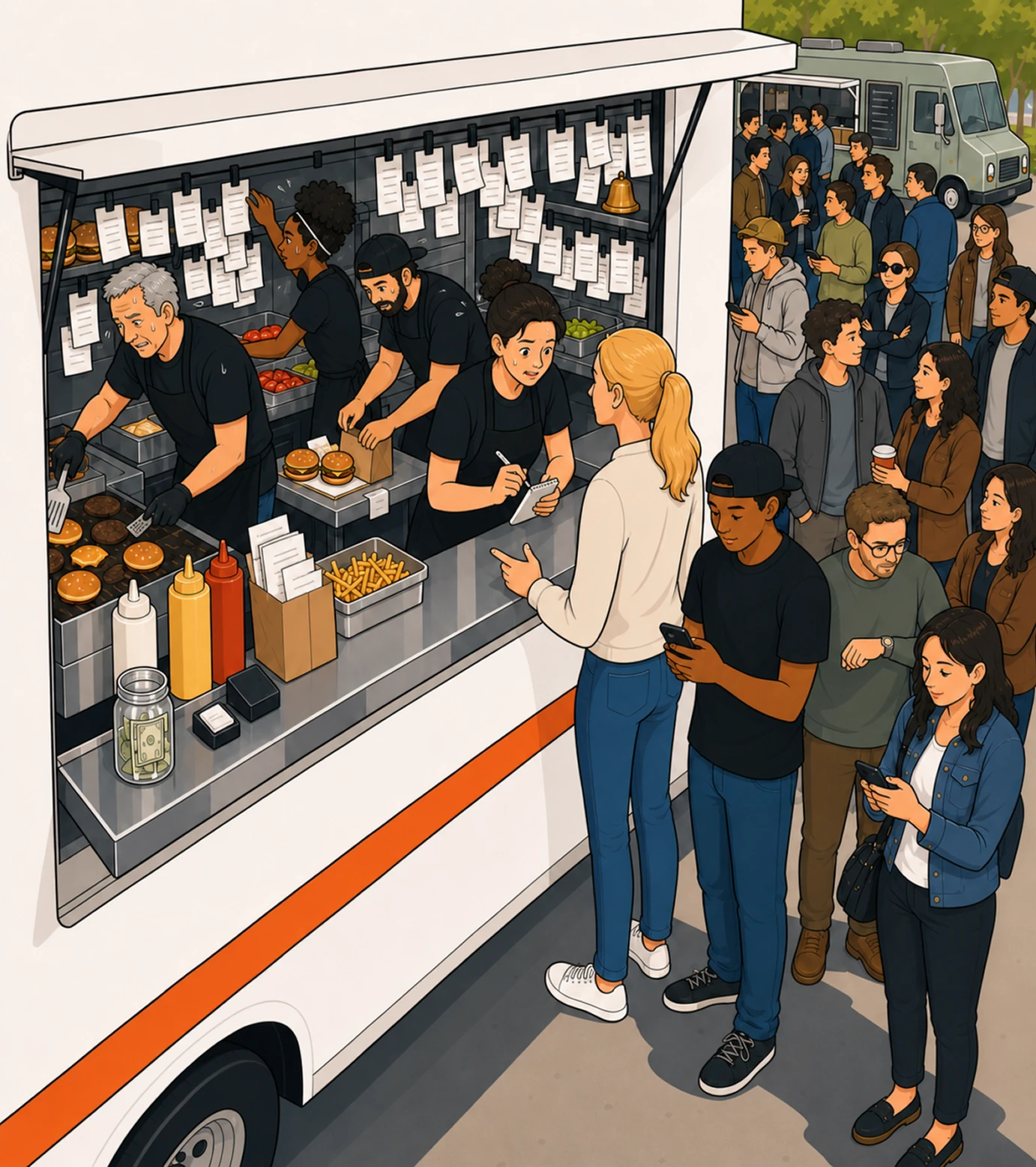
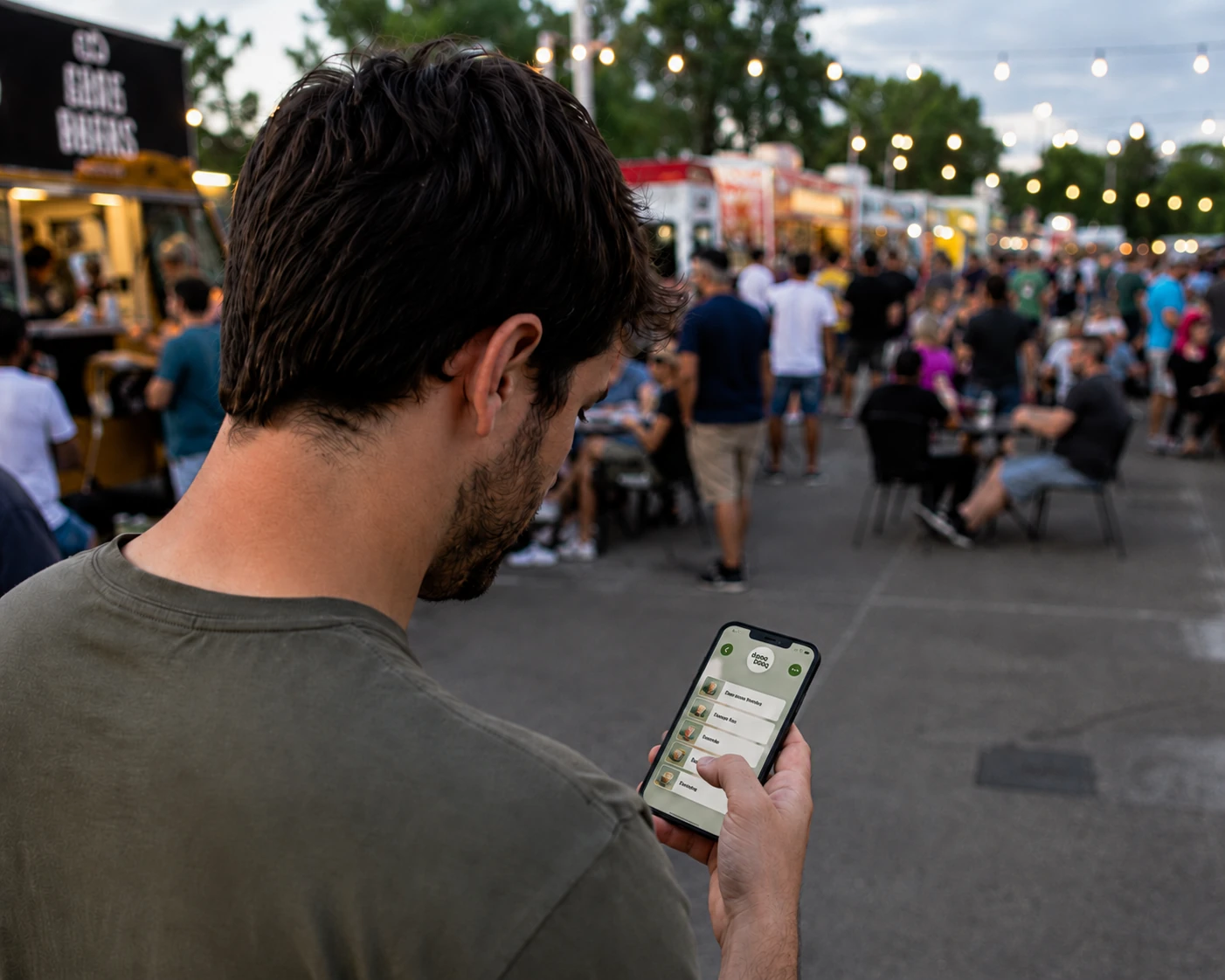
Overwhelmed food truck operator juggling event logistics
The Problem

Managing Food Truck Events Shouldn't Be This Complicated

Running a food truck isn't just taking orders — it's managing events. Operators juggle:

  • Different locations every day
  • Changing menus
  • Pricing adjustments for event fees
  • Preorders and pickup times
  • High-volume rushes

Most tools weren't built for this. That leads to mistakes, delays, and lost revenue.

A Better Way

Run Your Business by Event — Not by Register

Food trucks don't operate like restaurants. They operate event-to-event.

Flash Order is built around that reality. Instead of managing orders in isolation, you manage complete service environments tied to each event.

The Calendar

Everything Starts With Your Calendar

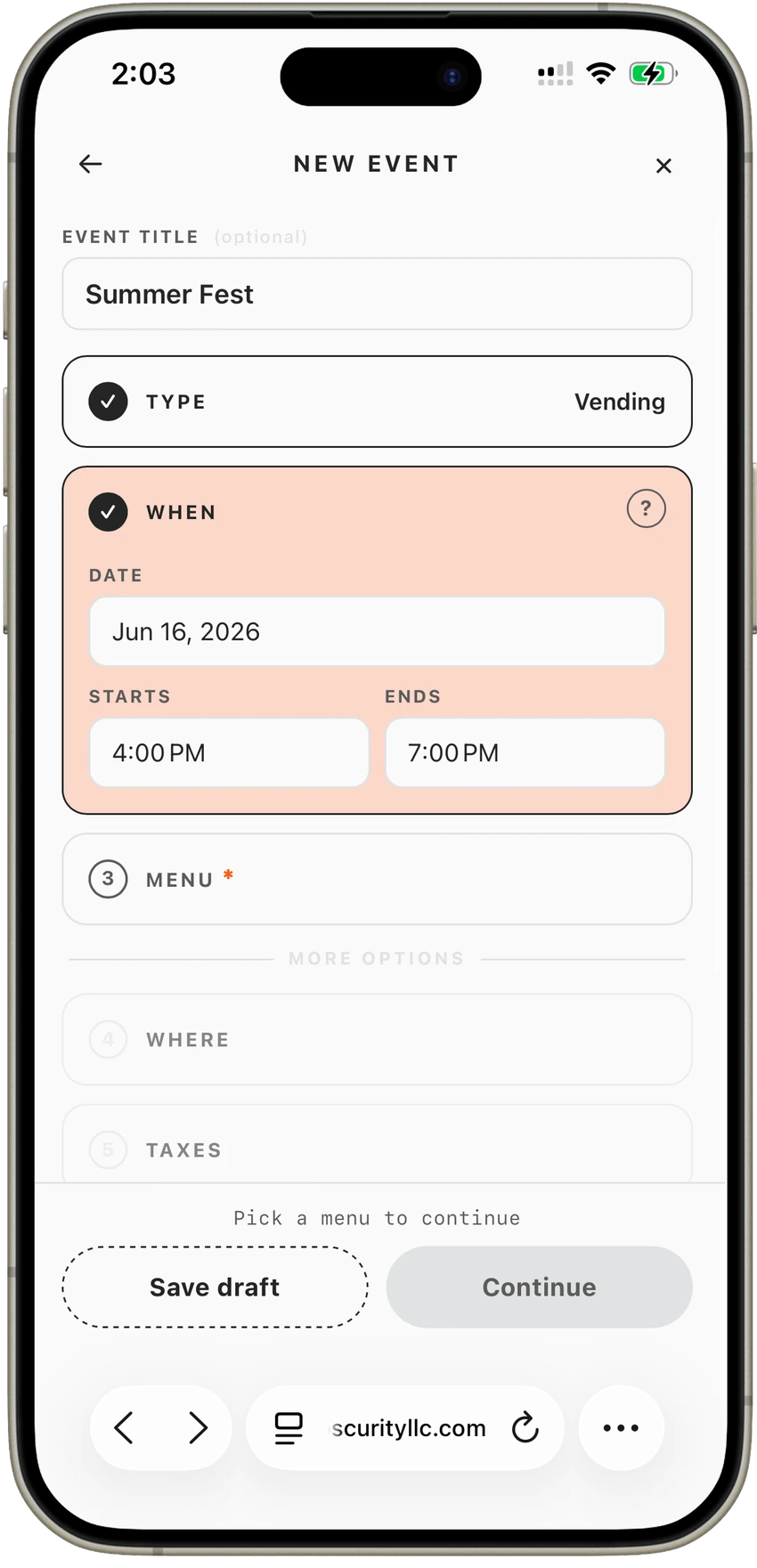
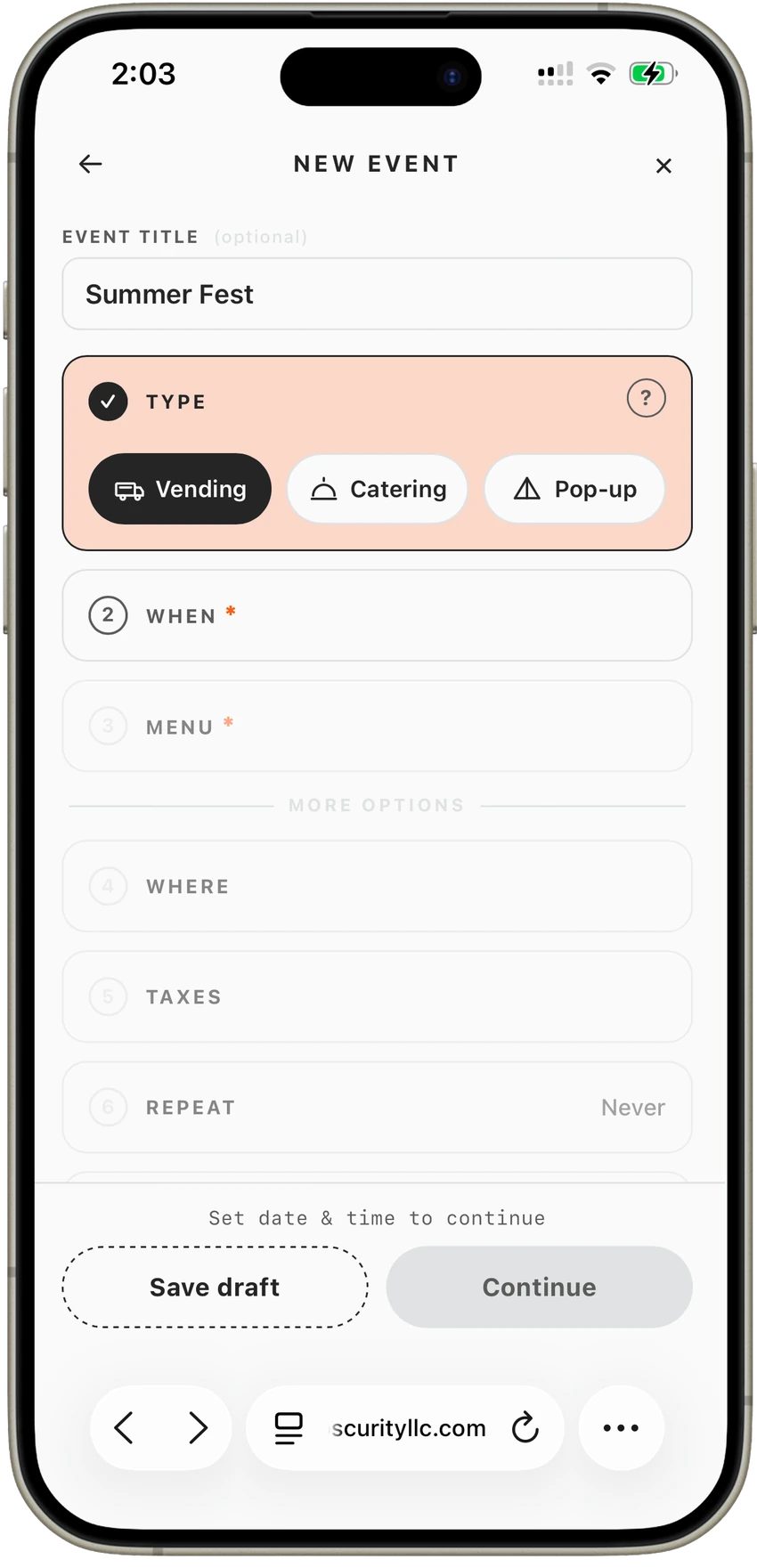
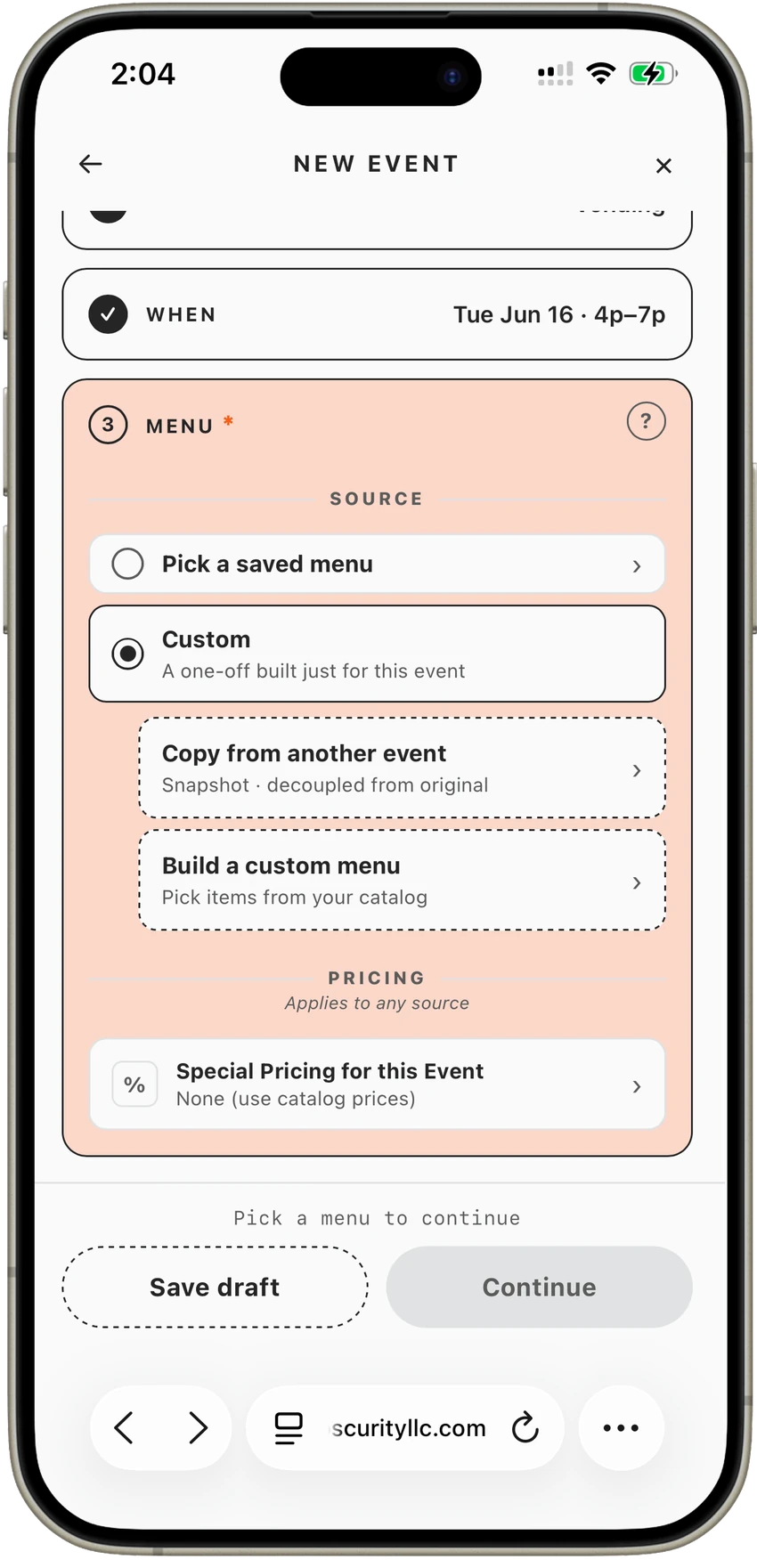
Your calendar becomes your control center. Select a date and create an event — everything else connects from there.
  1. 01
    Choose your event type
  2. 02
    Define your time window
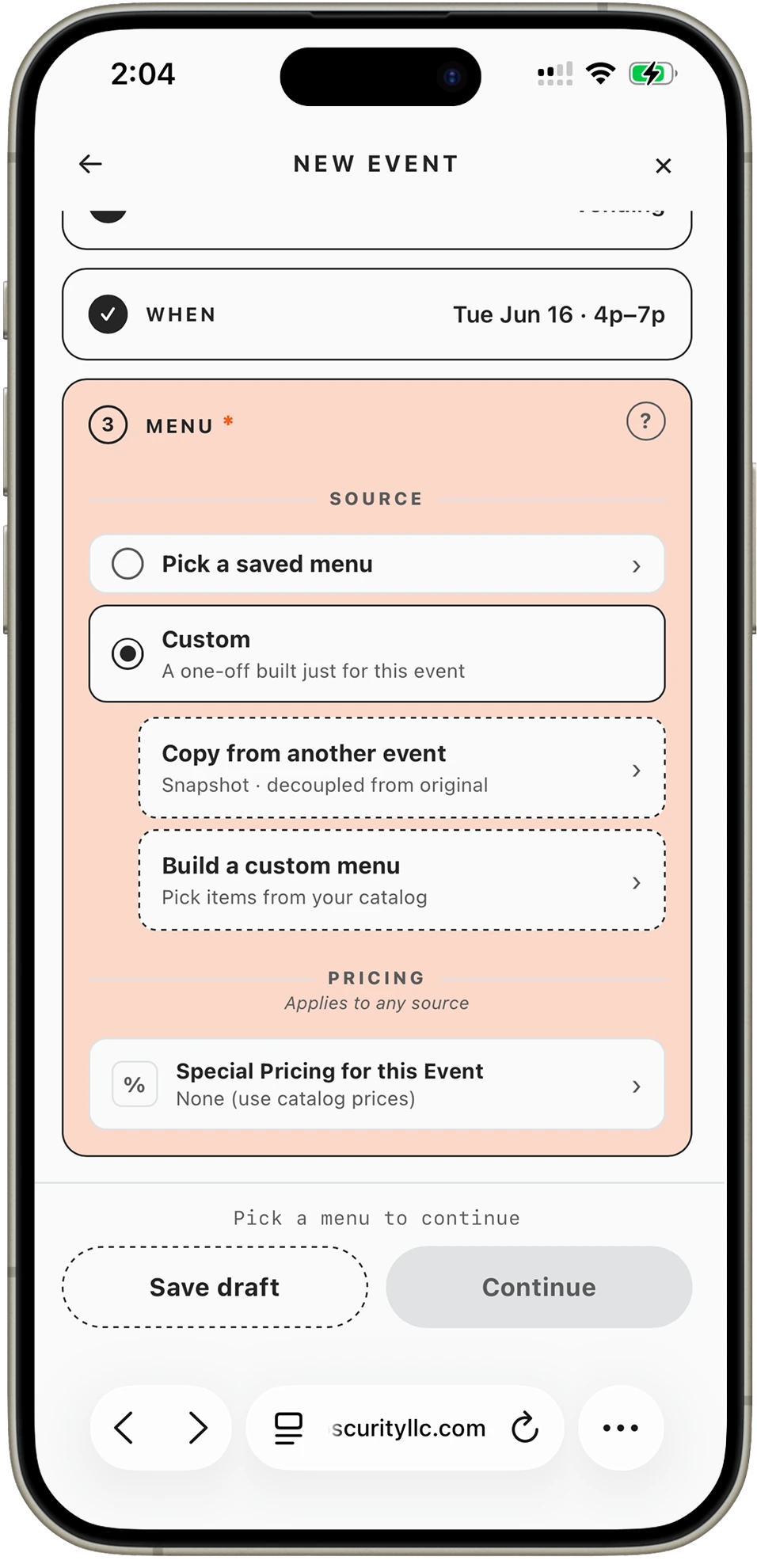
  3. 03
    Set your menu items
  4. 04
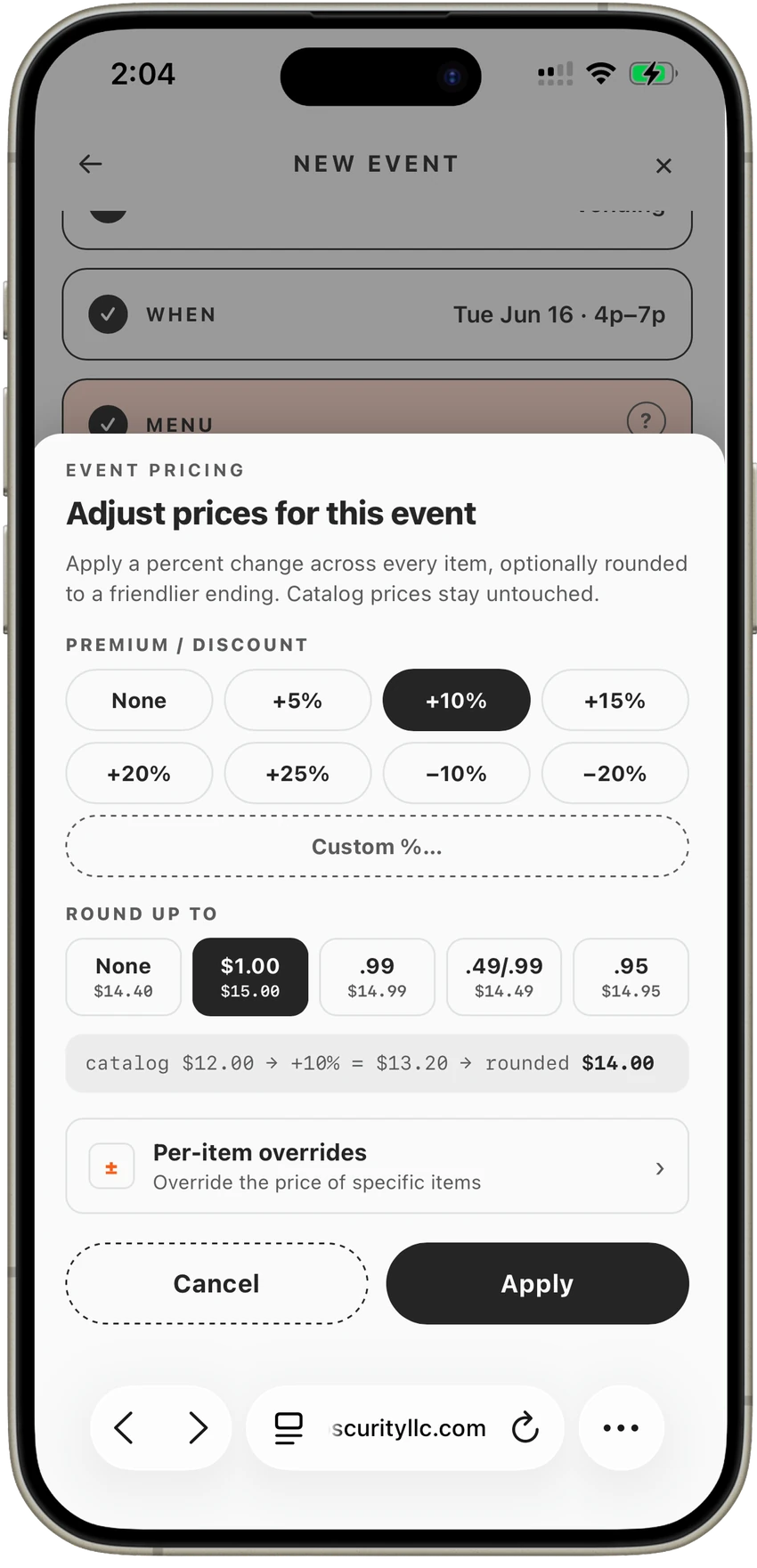
    Adjust your pricing
Step 4: Choose your service type Step 3: Define your time window Step 2: Set your location Step 1: Select a date
Per-event configuration screen in the Flash Order app
Per-Event Setup

Every Event, Fully Configured

Each event is its own setup — without extra work. You can:

  • Customize your menu
  • Remove or 86 items
  • Adjust pricing (e.g. +20% for rev share events)
  • Set ordering windows
  • Enable or disable preorders

No rebuilding your system every time
you move locations.
Per-event ordering and preorder flow
Ordering

Preorders and Ordering — Built Into Every Event

Every event has its own ordering flow.

  • Share a custom ordering link
  • Accept preorders in advance
  • Schedule pickup times
  • Take live orders via QR, kiosk, or register
  • All orders tied to the event automatically
Explore the Ordering System
Execution

Stay Organized During High-Volume Service

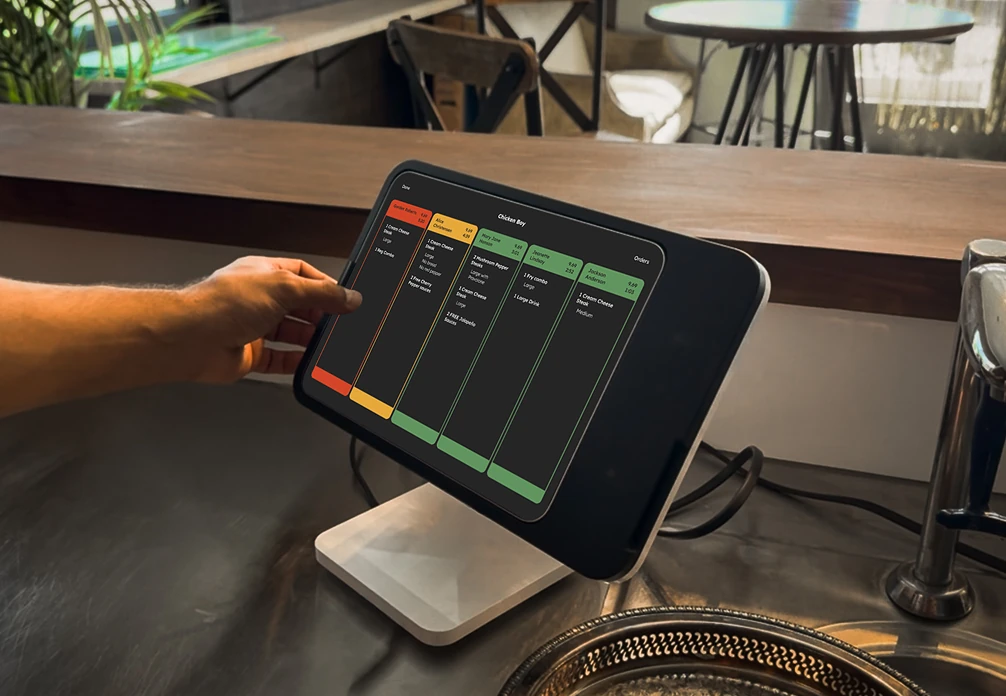
When service starts, everything flows into your KDS.

  • Separate preorder vs live orders
  • Manage scheduled pickups
  • Filter by time or order type
  • Handle rushes without chaos

Your team knows exactly what to make and when.

Explore the KDS
Flash Order KDS interface for food truck kitchens
Why It Matters

Operate Faster, With Less Stress

01

Reduce setup time

Configure once per event type. Reuse and adjust — never start from scratch.

02

Avoid order mistakes

Every order is tied to the right event, menu, and window — automatically.

03

Handle more volume

Preorders + live orders + KDS keep your kitchen coordinated at peak demand.

04

Improve customer experience

Shorter wait times, accurate orders, and smooth pickups — every time.

05

Stay in control

Full visibility over every event — before, during, and after service.

06

Scale with confidence

This is how modern food trucks grow — without adding complexity.

This is how modern food trucks scale.

Comparison

Traditional POS vs
Flash Order's
Event-Based System

Feature Traditional POS Flash Order
Event scheduling
Menu per event
Preorders by event
Pricing adjustments
Unified workflow
Simple by Design

Set Up an Event in Minutes

01
No complex setup

Signup in under 2 minutes

02
No technical configuration

Create your first event immediately

03
No training required

Go live the same day

Set Up Your First Event →

Free to start · No monthly fees