Back to restaurant solutions

KDS

Sync your team, cut your mistakes

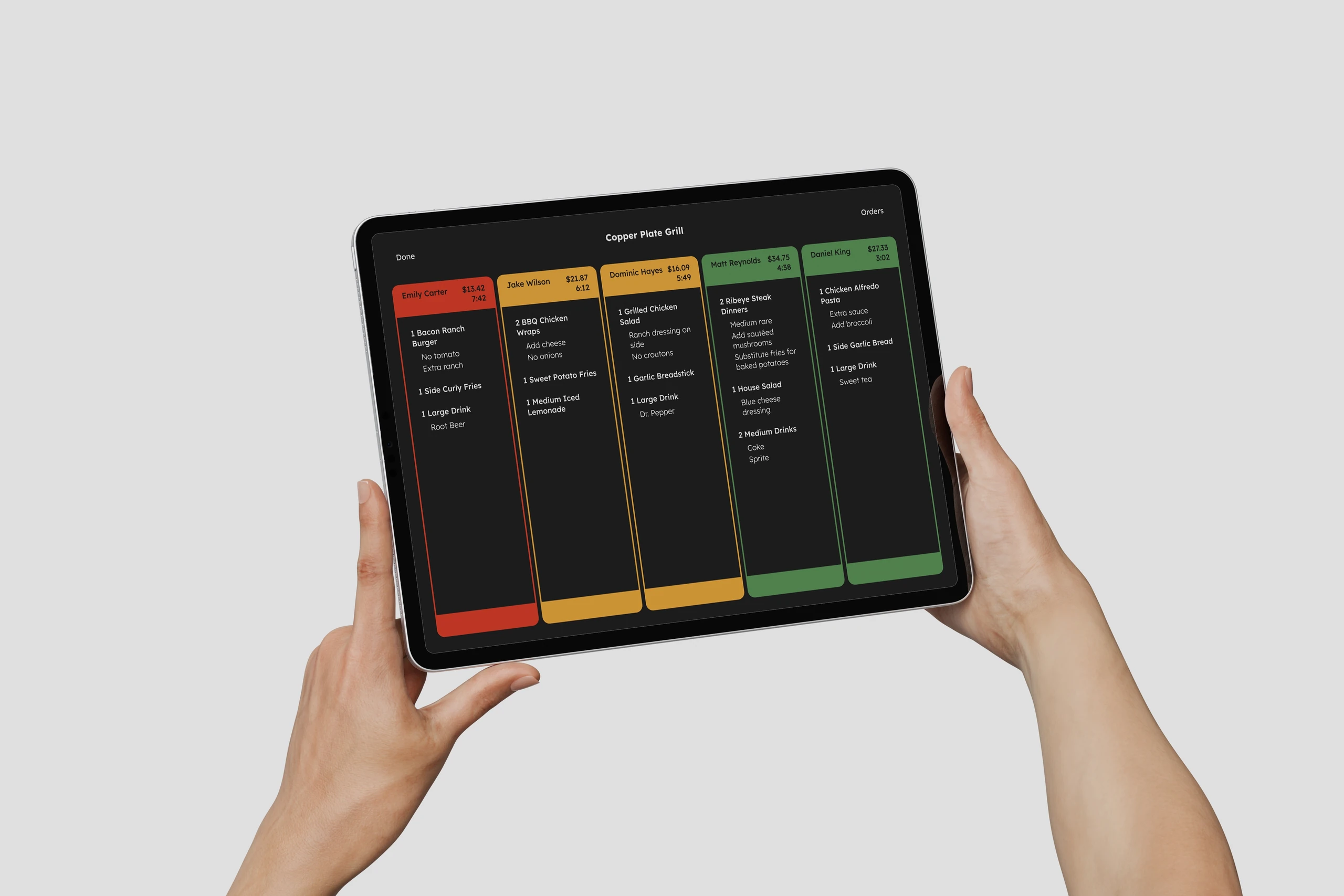
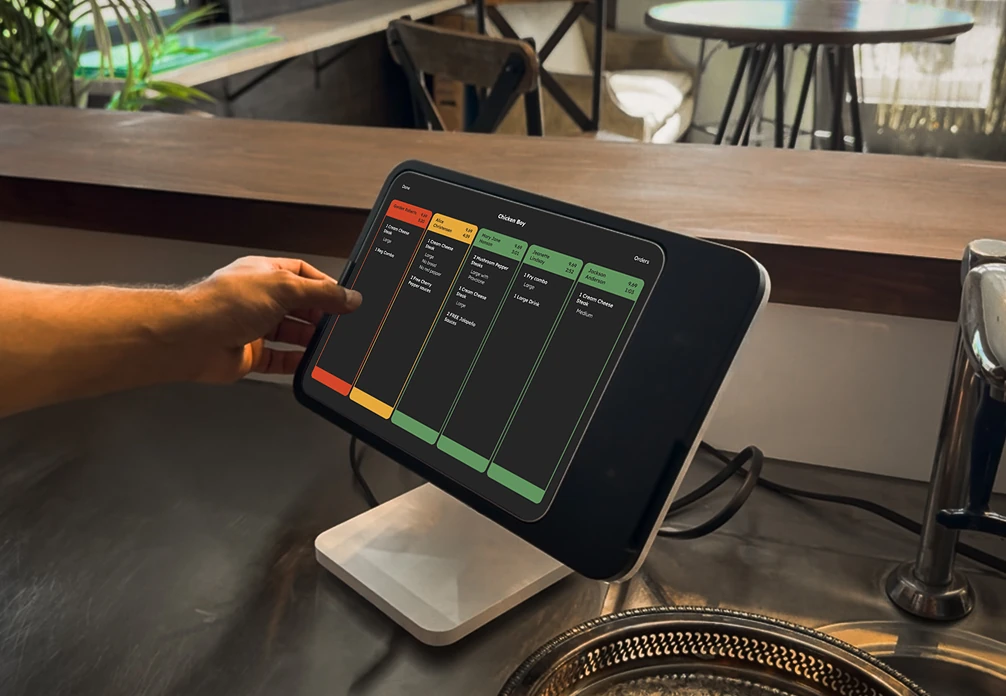
KDS in use
Unified ticket queue from every channel

All your channels, one display.

Orders from kiosks, mobile, and drive-thru flow into the same KDS—no juggling screens, no missed tickets. Everything lands exactly where it should.

Book a Demo
Station-specific views and custom layouts

Filter, sort, and customize everything

Create station-specific views, hide or show an email, and tailor the layout to your workflow. Perfect for fast-casual, food trucks, or any on-the-move kitchen.

Book a Demo
Live drive-thru order stream

Built for the Drive-Thru

Watch drive-thru orders stream in live as customers order. Split-screen views and instant routing keep your kitchen ahead of the car.

Book a Demo
More Capabilities

Keep guests in the loop

Show what's ready with a live order-status alert screen so customers know exactly when it's time to grab their food.

Big or small—your call

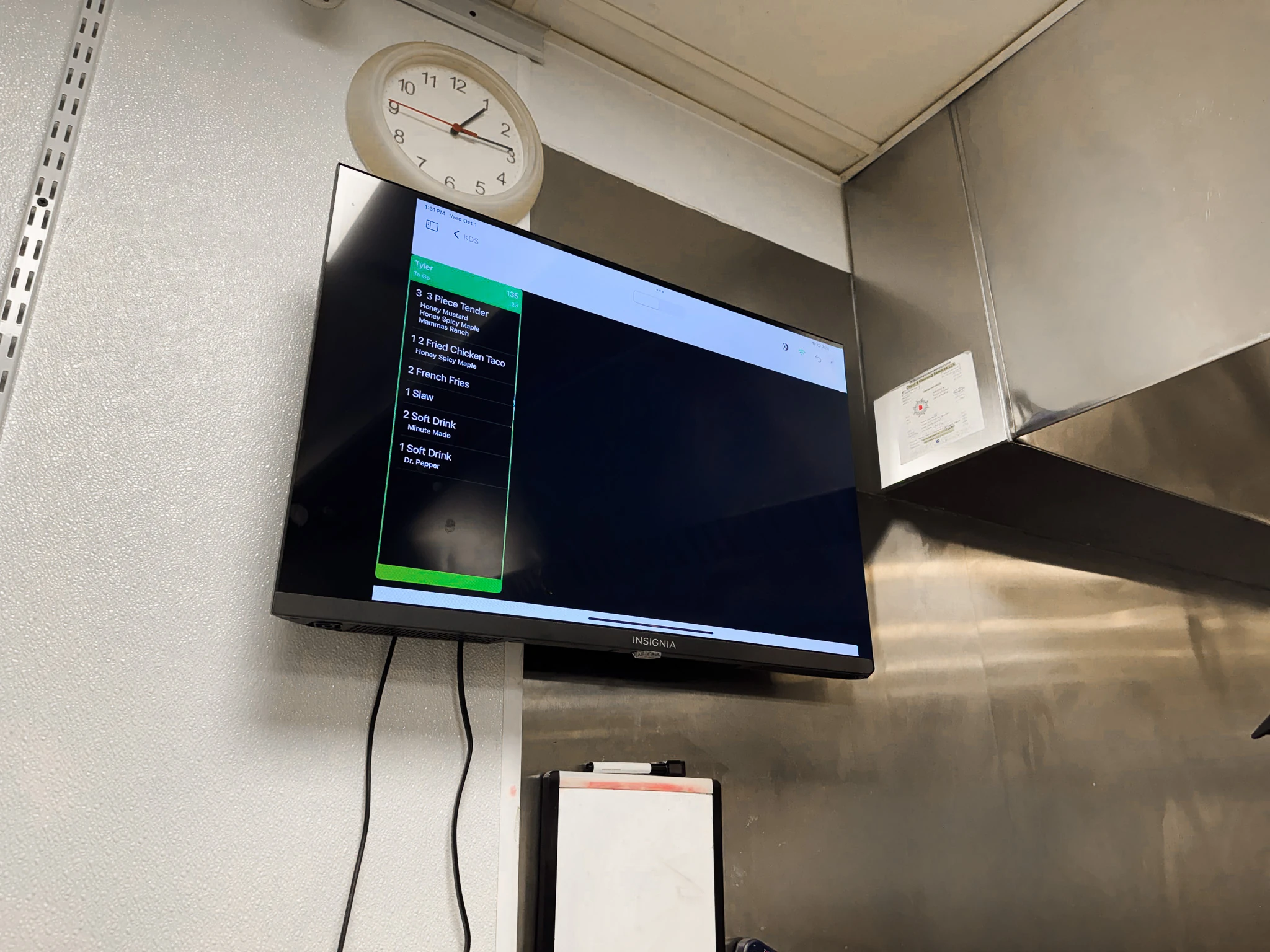
Run the KDS on any display size. From compact tablets or wall-mounted TV monitors, it scales perfectly to your kitchen setup.

Send updates instantly

Send customizable text messages to customers all without leaving the KDS screen.

Stay ahead on pre-orders

A dedicated Order Ahead list helps you prep for future pickups before the rush hits.

Testimonials

I've been using this at my cafe for a few years now. It brought us out of the stone age of using pen and paper to write down orders. I like being able to filter out everything but my hot items at my grill/steam table station. Everything's smooth and it just makes life easier.

The Break Room

In terms of not having printable receipts back in the kitchen anymore, I didn't know what to expect, but I would say it's smoother and a lot better than I expected. It's worked out really well!

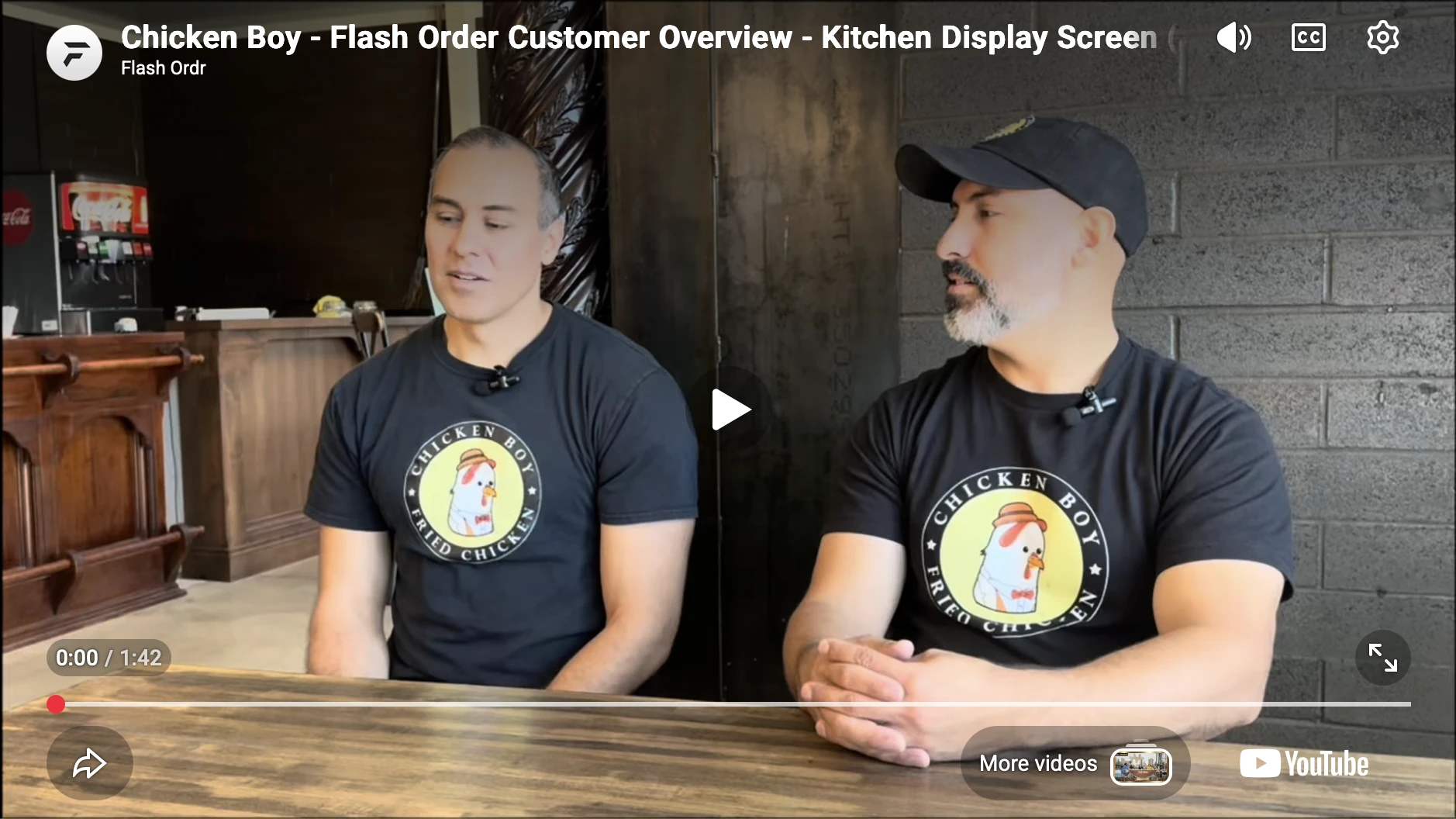
Chicken Boy

Great app for self-order kiosks. Saved me lots of money that would have been spent on labor. Great customer service. Could not be any better.

Falafel Factory

Great addition to our restaurant, simple, fast & easy to use.

Pommes Frites
FAQ

Good questions.

Does the Flash Order KDS display orders from Square?

Yes, all orders generated from the Square POS, and all orders from Flash Order will display on the Flash Order KDS.

Does the Flash Order KDS display orders from other third parties, like delivery partners?

Yes, if the delivery/ordering partner has an integration with Square, all orders that flow through that integration will display on the KDS.

Does Flash Order charge per KDS station?

No, we do not charge per device. All KDS subscriptions include unlimited screens.

Can you customize the Flash Order KDS?

Yes, almost all visual components of the KDS can be adjusted to how you would like to view the orders on the screen.

Can you filter by items and modifiers?

Yes, the Flash Order KDS has robust controls for filtering. You can filter based on any order criteria. For example, items, modifiers, order channel, fulfillment type, etc.

Does the Flash Order KDS support prep stations?

Yes, you can set up Flash Order for stand-alone or sequential prep stations. You can also configure the KDS for expo stations. It is a very flexible KDS platform for how you run your kitchen.

Does Flash Order have a customer-facing Order Alert Screen?

Yes, the OAS is part of our advanced KDS subscription. Please contact us for more information.

Does Flash Order support larger screens for the KDS?

Yes. Our typical customer uses iPads for their KDS screens. But we also have a web-based solution that can be launched on any size screen.
Ready to modernize your kitchen?

Book a Demo →

Built for restaurants · Faster service · Fewer mistakes