
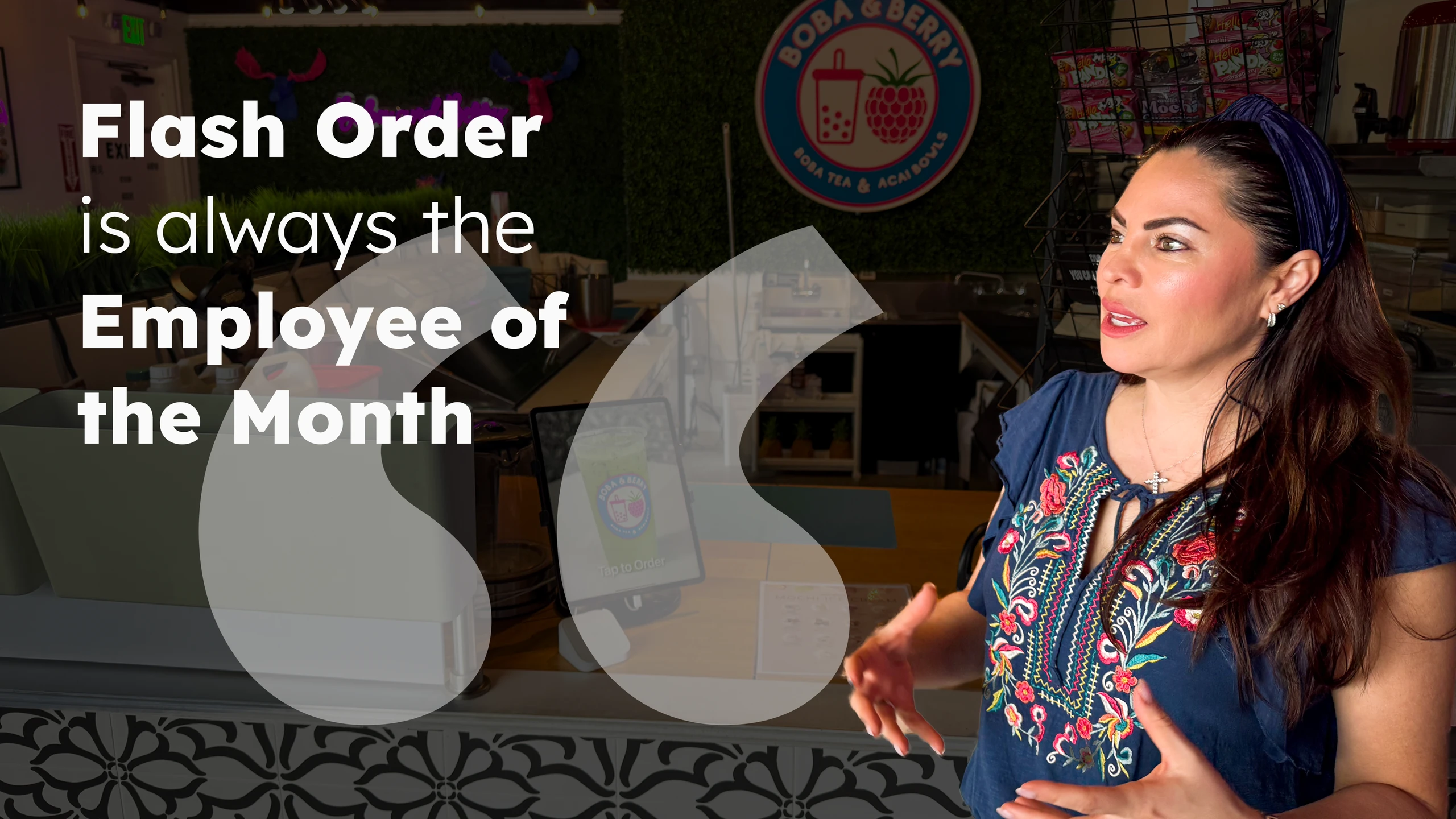
I was so lucky to find Flash Order. I thought it was a great idea, and now it's the employee of the month and the year! Unless you want to work double, it's the best! It's amazing.
Boba & Berry
like you've never used before
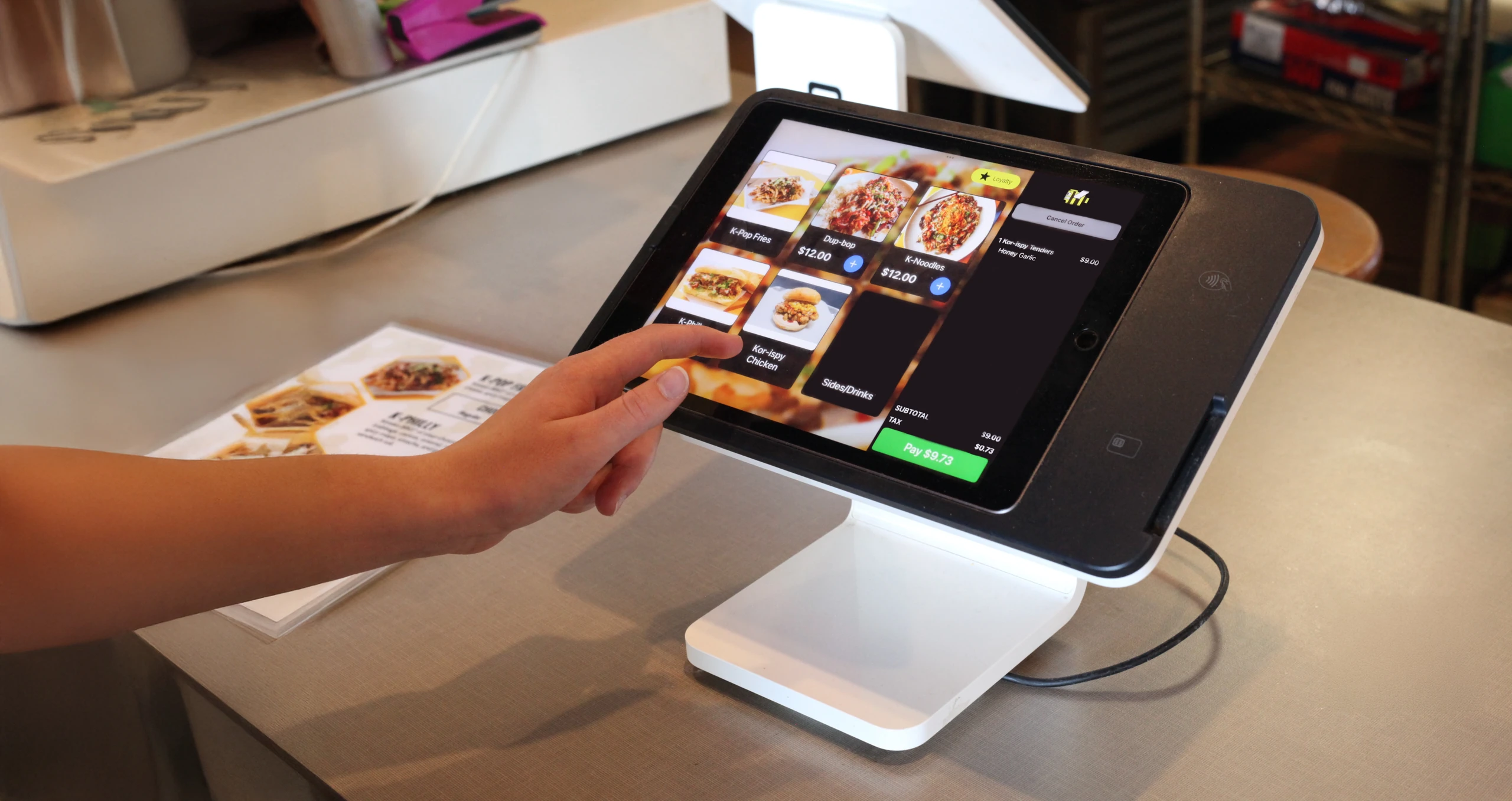
"If we remove all the pain points, all that's left is a really simple, easy order."
— Weston Hafen, Flash Order co-founder
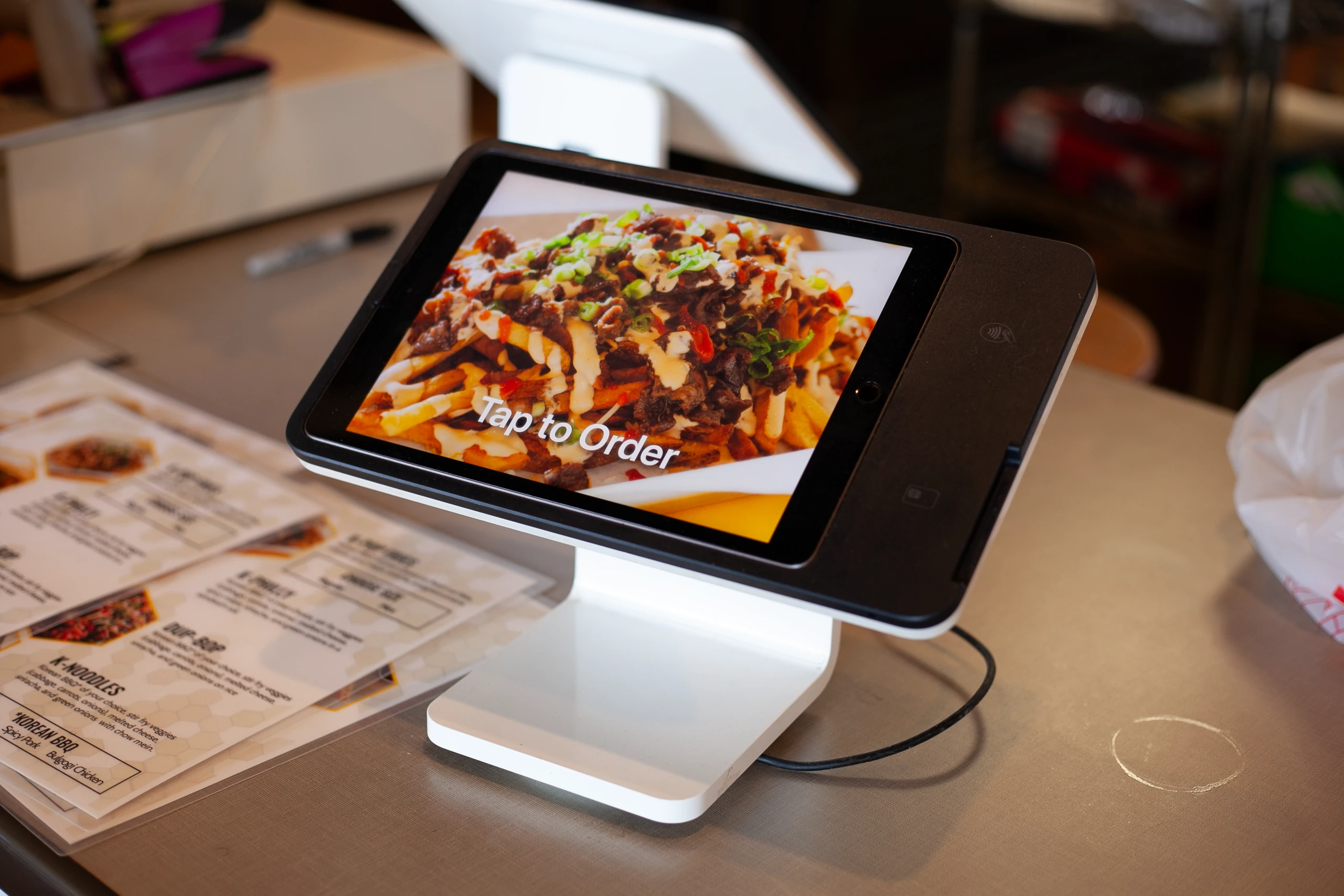
Customers are welcomed by a custom-branded kiosk. The welcome screen, imagery, and button styles are all customizable—so you greet every guest in a way that feels uniquely yours.
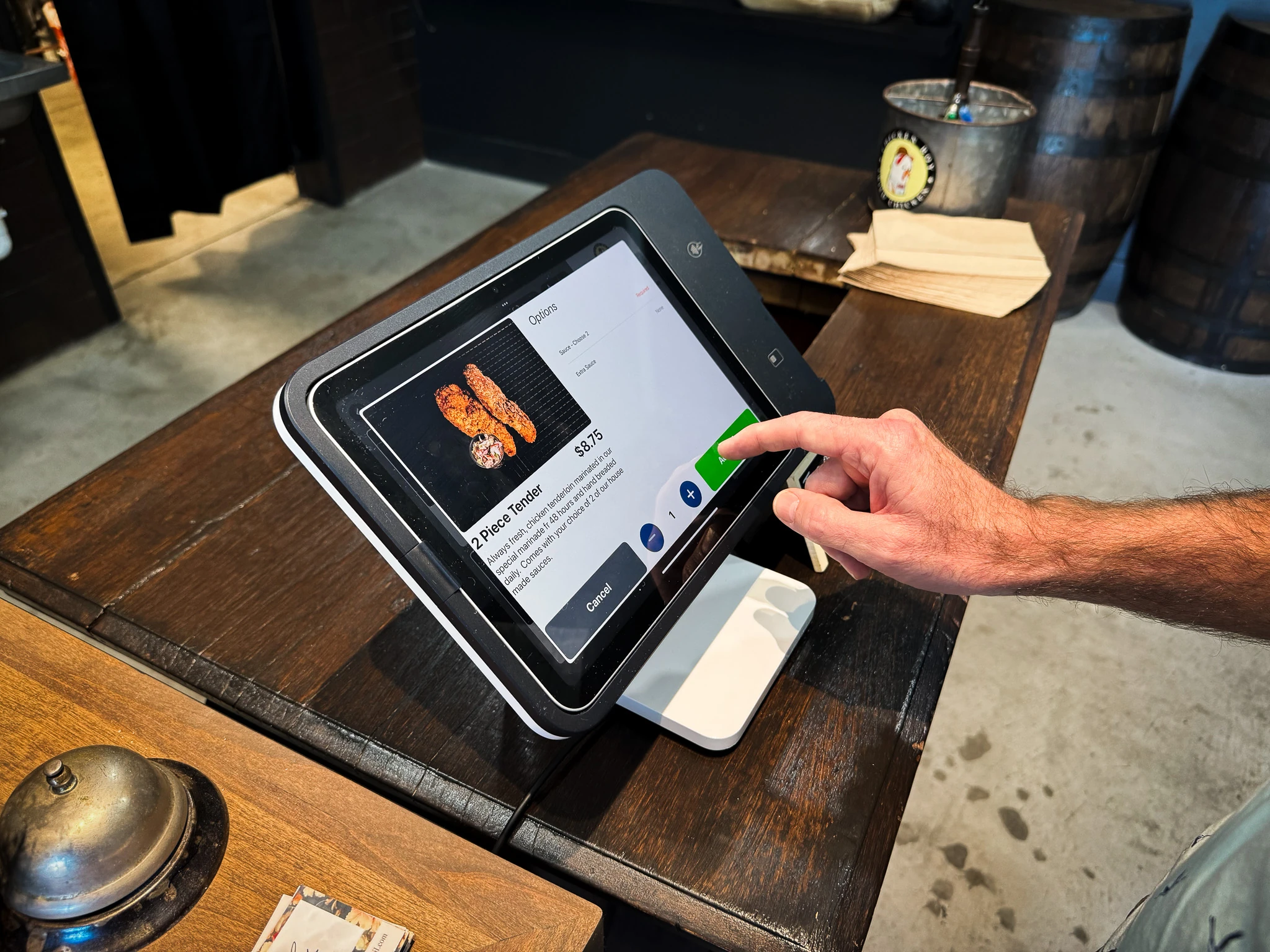
Customers enjoy a one-question-at-a-time flow that removes the clutter of unnecessary scrolling, reading, writing, and tapping. It's intuitive, fast, and stress-free—meaning quicker lines, fewer errors, and less demand on your staff.
Book a Demo →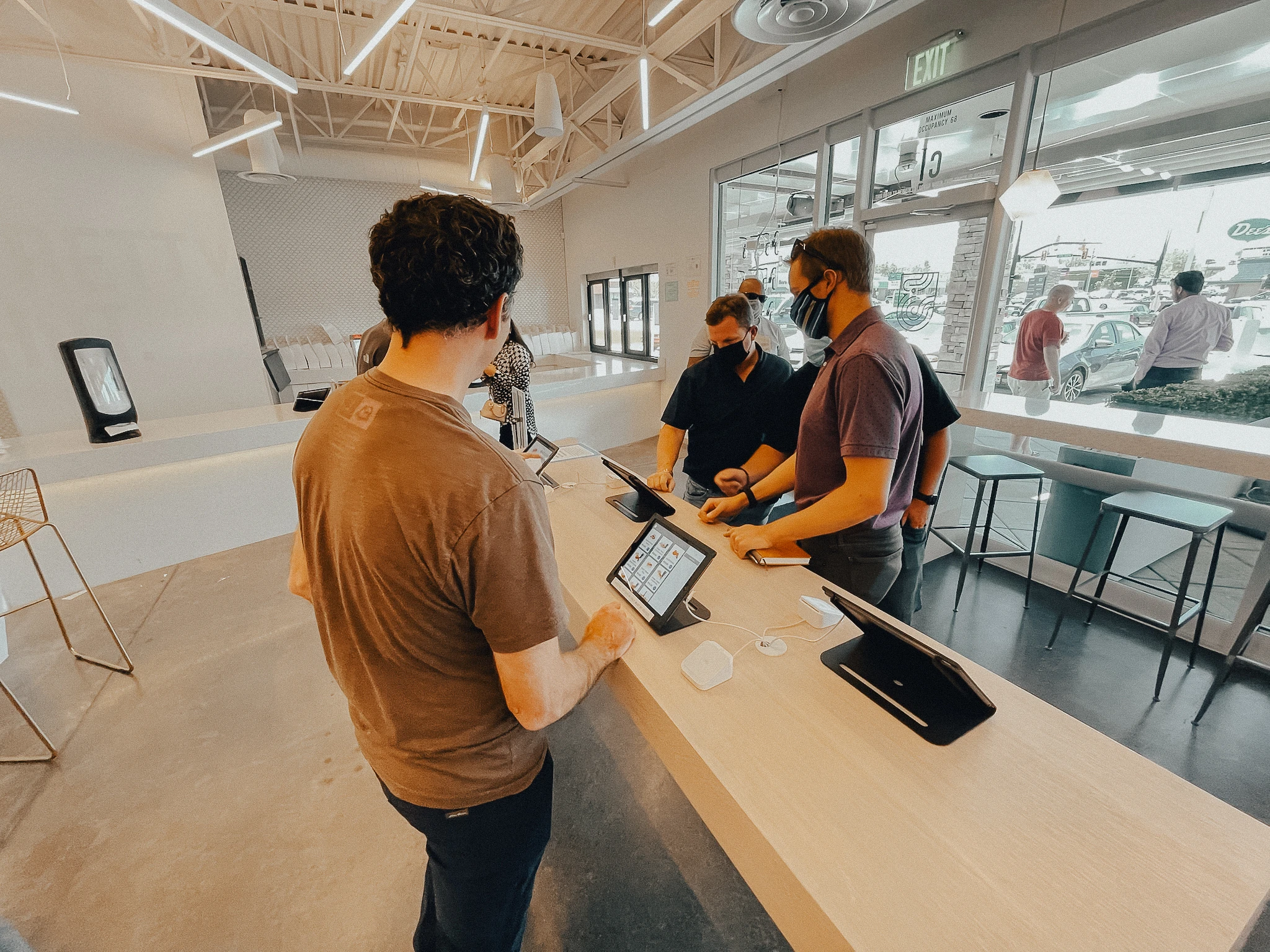
Flash Order kiosks are designed to make even the most complex orders feel easy. Every guest—from tech-savvy regulars to first-time visitors—can complete an order 100% on their own.
Book a Demo →
Customers complete checkout and provide info you need. Loyalty points are applied automatically at the end of an order, so customers move through the menu without interruption.
Book a Demo →I was so lucky to find Flash Order. I thought it was a great idea, and now it's the employee of the month and the year! Unless you want to work double, it's the best! It's amazing.
There's a lot of people that like what we're doing and prefer it this way. We actually have reviews on our page of people complimenting the ordering system. Even for me, if I went to a QSR this is my preferred setup.
Great app for self-order kiosks. Saved me lots of money that would have been spent on labor. Great customer service. Could not be any better.
Great addition to our restaurant, simple, fast & easy to use.
How is a Flash Order kiosk different from other kiosk options?
In a word: simplicity. Ordering from a Flash Order kiosk is the easiest way for customers of any age to place an order. We've perfected the customer experience—because in the end, user experience matters most.
How do I get started?
Download the Flash Order Digital Ordering app from the App Store, sign in with your Square username and password, and follow our step-by-step video tutorials.
Are kiosks charged per device or per location?
Per location. You can set up as many kiosk stations as you'd like, and the price stays the same.
Does Flash Order sell kiosk hardware?
No. But it's easy to pick up compatible hardware off the shelf. Most of our customers use an iPad with a Square Stand.
Do you offer large-screen kiosks?
Yes. Large-screen kiosks require a Mac computer, a touchscreen with HDMI input, and a Square Terminal Reader.
Does Flash Order offer kiosk service outside of the United States?
Yes. Flash Order kiosks are live in Canada, the UK, Ireland, Spain, France, Japan, and Australia.
Can you use a barcode scanner with a Flash Order kiosk?
Yes. With a Square Stand, you'll need a Bluetooth scanner. If you're using a Mac or another iPad enclosure, you can use either a Bluetooth or USB scanner.
Does a Flash Order kiosk support loyalty programs?
Yes. You can integrate your Square Loyalty program or use Flash Order's built-in loyalty program. Both make it easy for customers to sign up, earn points, and redeem rewards.
Can I print receipts or tickets from the Flash Order kiosk?
Yes. Flash Order integrates with Star Micronics' printers, specifically the Star TSP100 and Star mcPrint series. Transactions can also print automatically from a printer connected to Square POS.
Can I use promo or coupon codes on the Flash Order kiosk?
Yes. You can configure dollar-off or percent-off discounts for the entire order, or only when specific items are in the cart.
Can I offer upsells during checkout on the kiosk?
Yes. You can easily suggest an upsell to customers as they add items to their cart.
How customizable is the user interface?
We've nailed down the customer experience, so some elements can't be changed in order to preserve simplicity for the customer. However, the kiosk can be customized to align with your brand. The hero image, first-screen text, and all category, item, and modifier details—including images—are fully customizable.
Can I have a different menu on my kiosk than at the register?
Yes. Setting up a kiosk-specific menu is easy.
Does Flash Order integrate with a scale?
No, not at this time. Adding scale support is something we continue to evaluate for future development.
Can I use Flash Order for a Donation Kiosk?
Yes. We provide simple tools to help you launch a donation kiosk.
Does Flash Order require customers to enter personal details like name and phone number?
No, it is not required. You can choose what data, if any, to collect from your customers.
Can Flash Order send automated text notifications to customers?
Yes. You can configure texts to confirm order status, share order numbers, or notify customers when an order is ready for pickup. (Service fee: $0.02 per text.)
Built for restaurants · Effortless ordering · Shorter lines