Web, QR, kiosk, register, and preorder workflows — all connected through one system designed specifically for food truck operations.
Free to get started. No monthly fees.
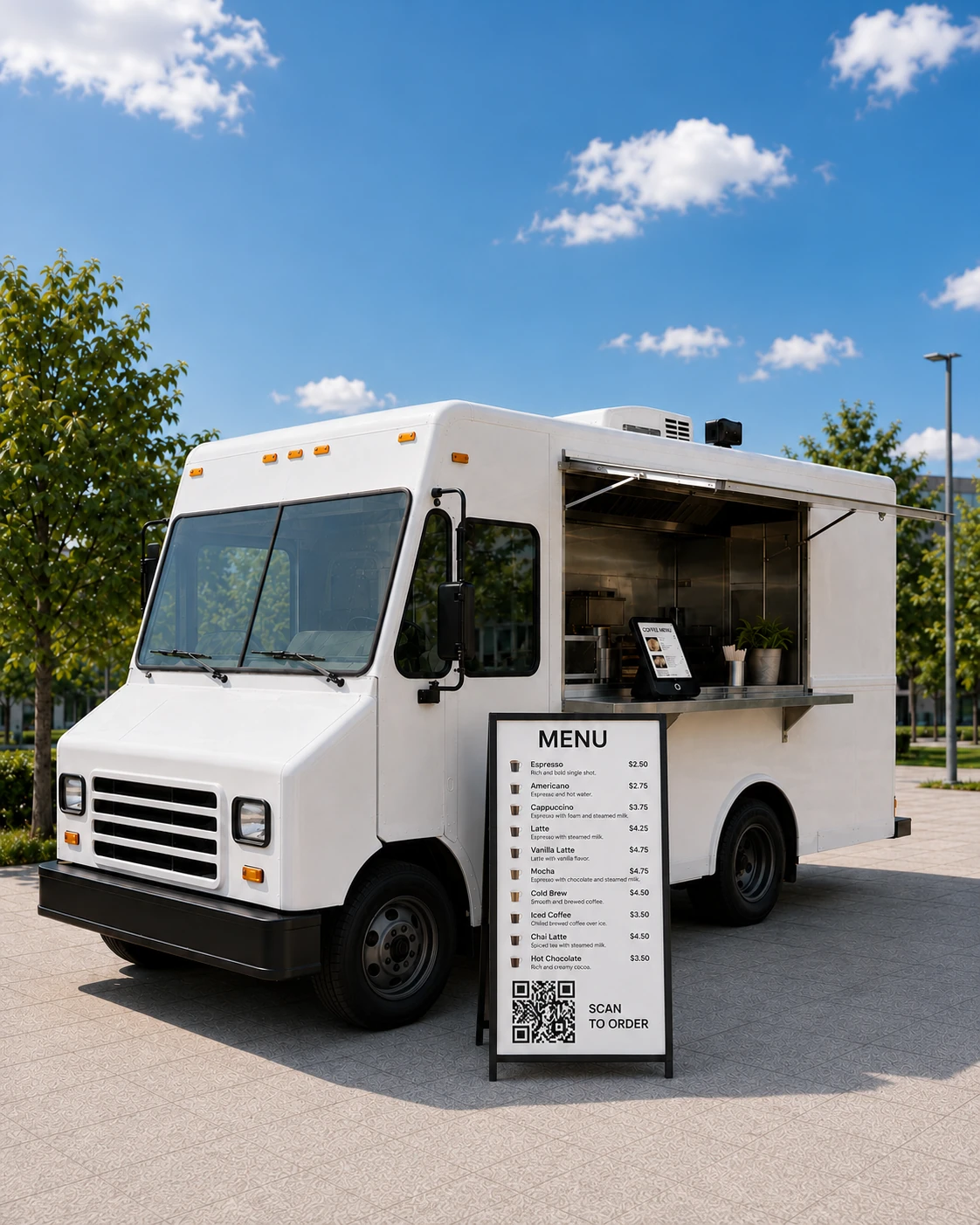

Traditional restaurant ordering systems assume:

Food trucks operate differently. You manage:
Food trucks require a different kind of ordering system.
Flash Order connects every way customers place orders into one unified operational system.
Ordering Channels
All orders flow into the same backend and KDS workflows automatically.
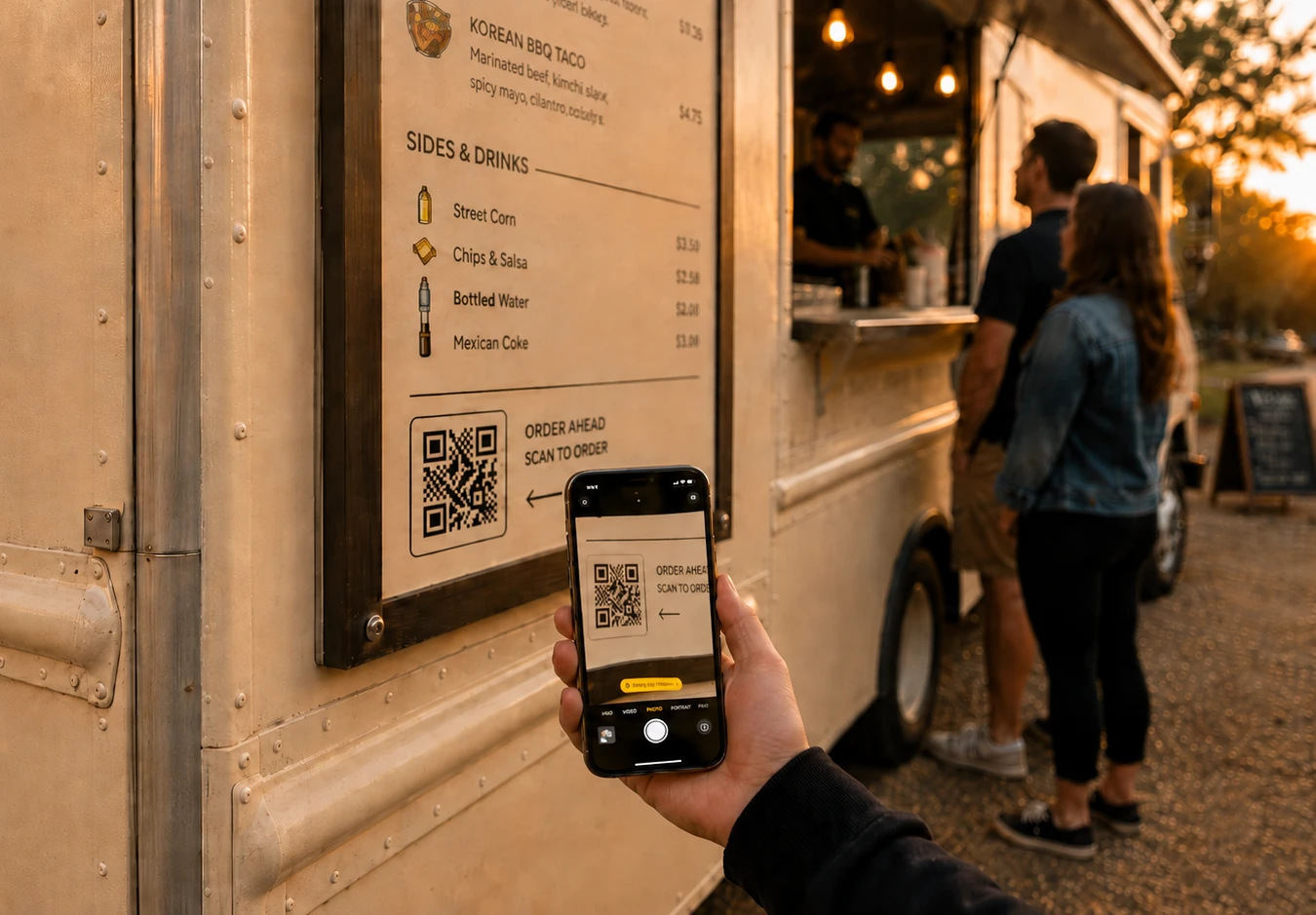
Food truck customers already live on their phones.
Flash Order is designed around fast, frictionless mobile ordering:
This reduces lines, improves throughput, and creates a better customer experience during busy events.
Food truck operations change from event to event. Flash Order allows you to manage ordering around the realities of each service location.
For example:
Everything stays organized through one event-based system.
Explore Event-Based Food Truck Management →

Every order — regardless of channel — flows directly into Flash Order's Kitchen Display System.
That means:
This creates a smoother operation from order placement to pickup.
Explore the Food Truck KDS System →| Feature | Typical Restaurant Ordering | Flash Order |
|---|---|---|
| QR ordering | ||
| Event-specific menus | ||
| Event-specific pricing | ||
| Preorders with pickup windows | ||
| Multi-channel ordering | ||
| Food truck workflows | ||
| Unified KDS integration | ||
| Mobile-first design |
Do customers need to download a food truck ordering app?
No. Customers scan your QR code, tap an NFC tag or open your link, and the menu opens in their phone’s browser. On iPhone it can open as an App Clip, which runs without installing anything.
Can a food truck have a self-ordering kiosk?
Yes. Flash Order runs as a self-ordering kiosk on an iPad, usually on a Square Stand, and kiosk orders land on the same kitchen display as phone and register orders. More about the kiosk.
How many orders an hour can a food truck take?
Usually as many as it can take orders for: one person at the window tops out around 60 an hour. The best food-truck hour on Flash Order so far is 98 paid orders, by Roadside Tacos, 60 of them placed on customers’ phones. See the numbers.
Does it work with Square?
Yes. Sign in with Square and your menu comes in; orders and payments go back into Square like any other sale. How the Square integration works.
Can customers order ahead for an event?
Yes. Each event can have its own link for pre-orders, and those orders reach your kitchen display with their pickup time. Pre-orders for events.
