
Pre-orders for every event

Let customers order before you arrive, with a menu, prices, and pickup times set for each event.

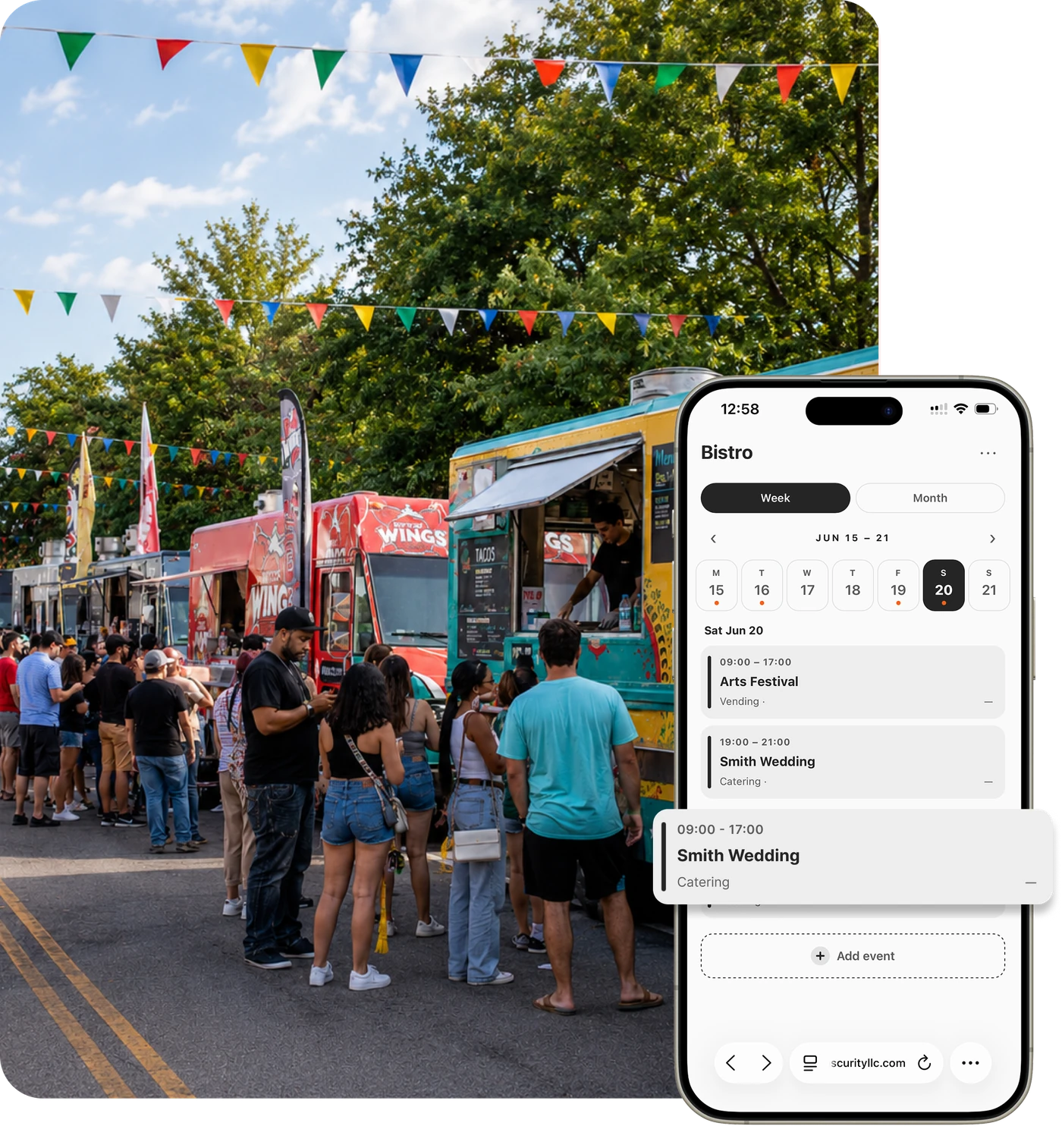
Food truck event calendar in Flash Order
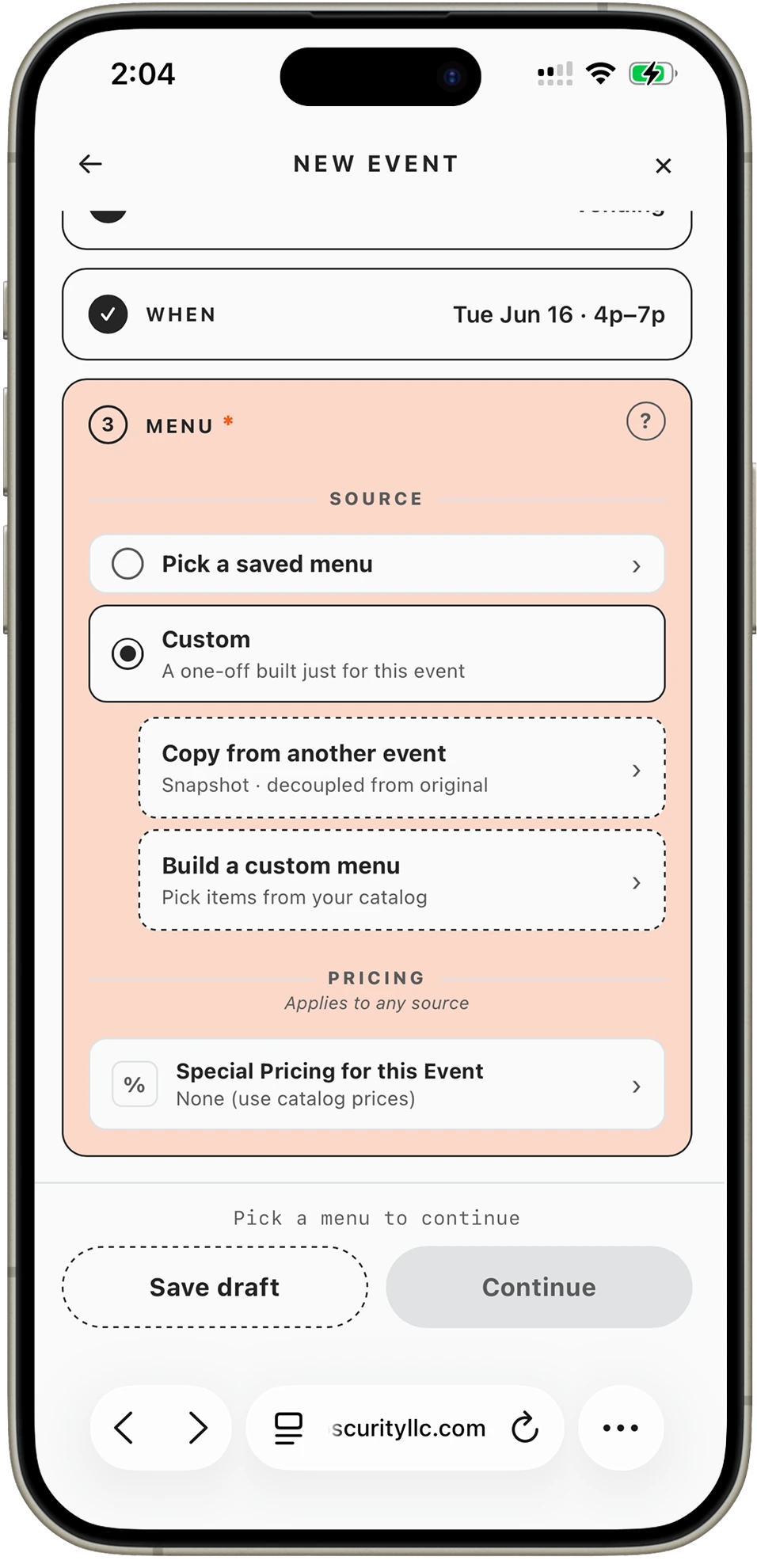
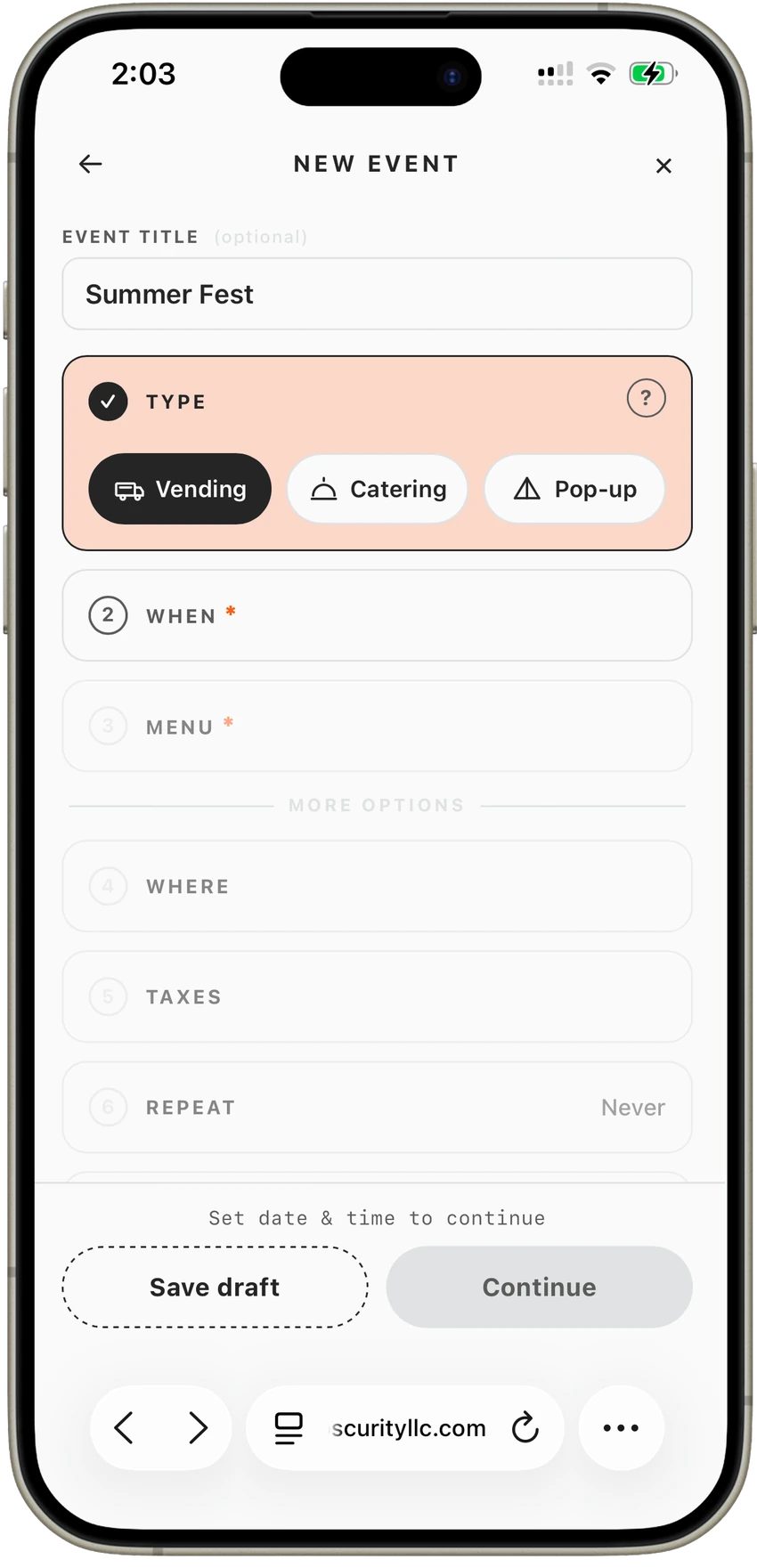
Per-event setup screen in the Flash Order app

Every event gets its own menu.

Pick the items for each event, 86 what you won’t bring, and adjust prices for the venue, like +20% for a revenue-share event. Set when ordering opens and closes, and turn pre-orders on or off per event.

Take Your First Order →
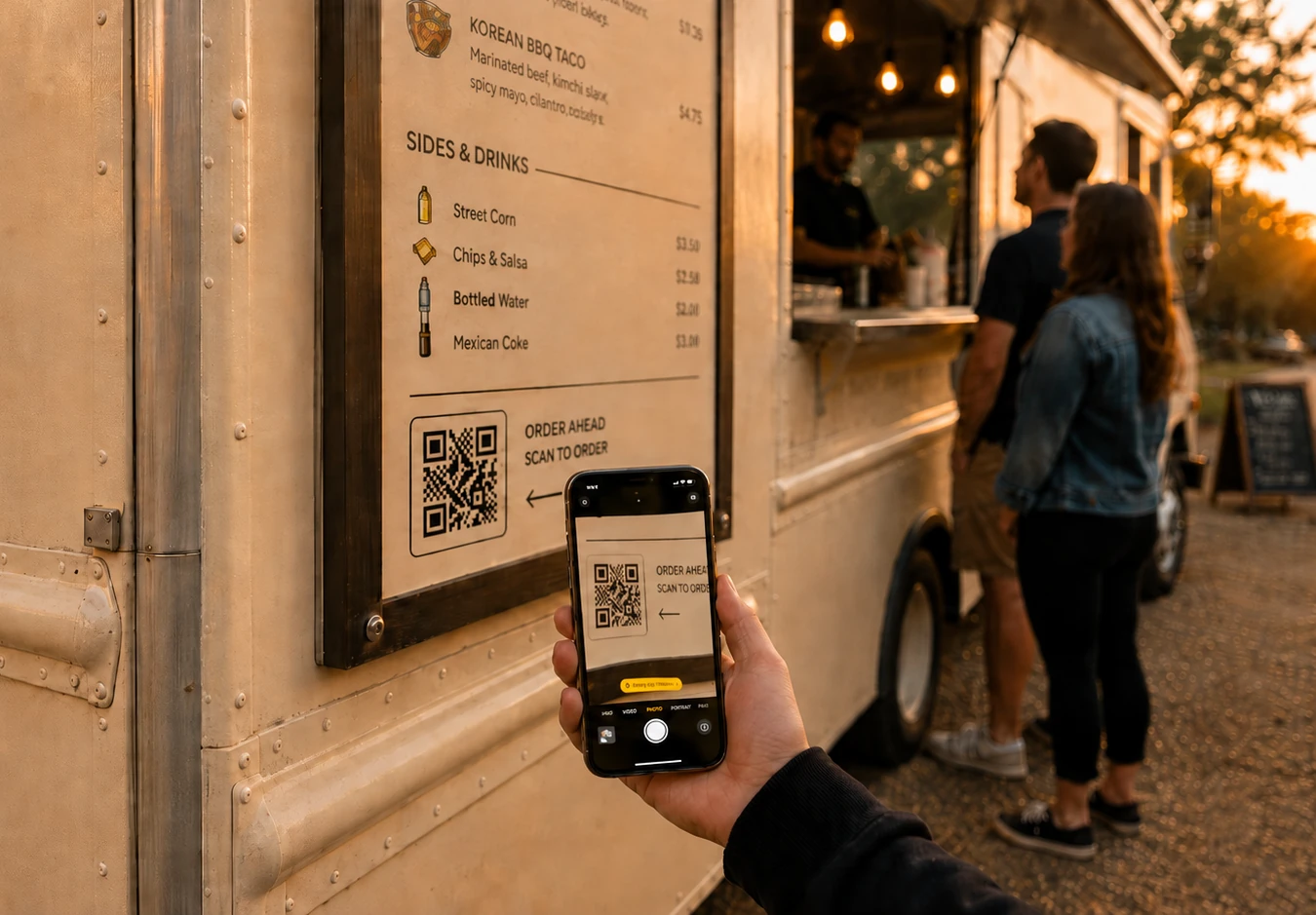
Phone showing a food truck ordering page

Share one link.

Each event has its own ordering link. Post it on Instagram, send it to the organizer, or print it as a QR code. Customers order ahead, pick a pickup time, and pay by card through Square.

Take Your First Order →
Flash Order kitchen display showing event orders

Pre-orders and walk-ups on one screen.

When service starts, pre-orders and live orders flow into the same kitchen display, kept separate, with scheduled pickups and filters by time, so you prep the right order at the right moment.

Take Your First Order →
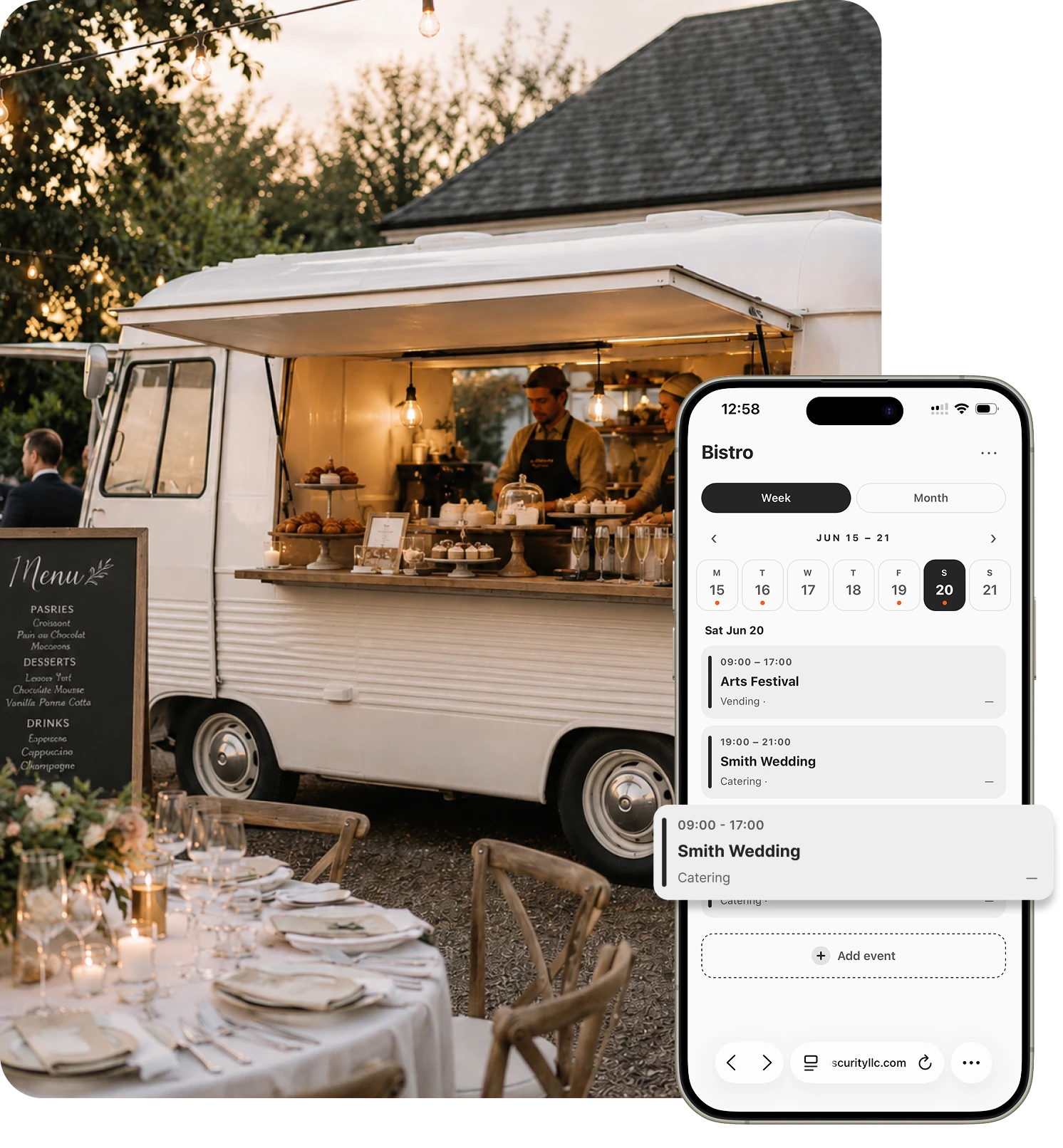
Selecting a date on the Flash Order event calendar

Set up an event in minutes.

Select a date, set the time window, choose the menu, and adjust pricing. Reuse what you set up last time, so a recurring market or brewery night takes seconds.

Take Your First Order →
Testimonials

For food trucks, this is the answer. The little kiosk system we had in the trailer worked, but it was constantly changing receipts, wind blowing them off, reprints. With Flash Order, the orders just go straight to the kitchen. No paper. No chaos.

Chicken Boy

Efficient and effective — that’s what Flash Order is. I’ve even pitched it to other trucks in the area. You’d get rid of all those paper tickets with just two screens.

A Bite with Mee

The customer is paying a tiny fee to put their order in, compared to me paying $20 an hour for someone to do that for them. It just doesn’t make sense to go back.

Roadside Tacos
FAQ

Good questions.

How do customers pre-order?

They open your event’s link or scan its QR code, choose their items and a pickup time, and pay by card through Square. The order shows up on your kitchen display with its pickup time.

Can I control when pre-orders open and close?

Yes. Each event has its own ordering window, and you can turn pre-orders on or off per event.

Can prices be different at different events?

Yes. Adjust prices per event, for example adding a percentage at events that take a revenue share, without touching your everyday menu.

Will pre-orders get mixed up with walk-up orders?

No. Your kitchen display keeps pre-orders and live orders separate and lets you filter by time and order type, so a rush doesn’t bury a scheduled pickup.

What does it cost?

Nothing per month, and no setup or device fees. Flash Order is funded by a 35¢ fee added to each customer’s order at checkout. It isn’t taken out of your payout. Square’s standard processing applies to the payment, as it does today.

Do I have to leave Square?

No. Flash Order runs on your existing Square account: sign in with Square, your menu imports, and orders and payments land in Square, which pays you out exactly as it does now.

Your next event can take pre-orders.

Take Your First Order →

Built for restaurants · Effortless ordering · Shorter lines