
My partner thought it was going to be a train wreck. Pushback has been less than 1% of customers.
Solari Pizzeria Napoletana
Nobody downloads an app to buy one lunch. Your menu opens the moment they scan or tap.
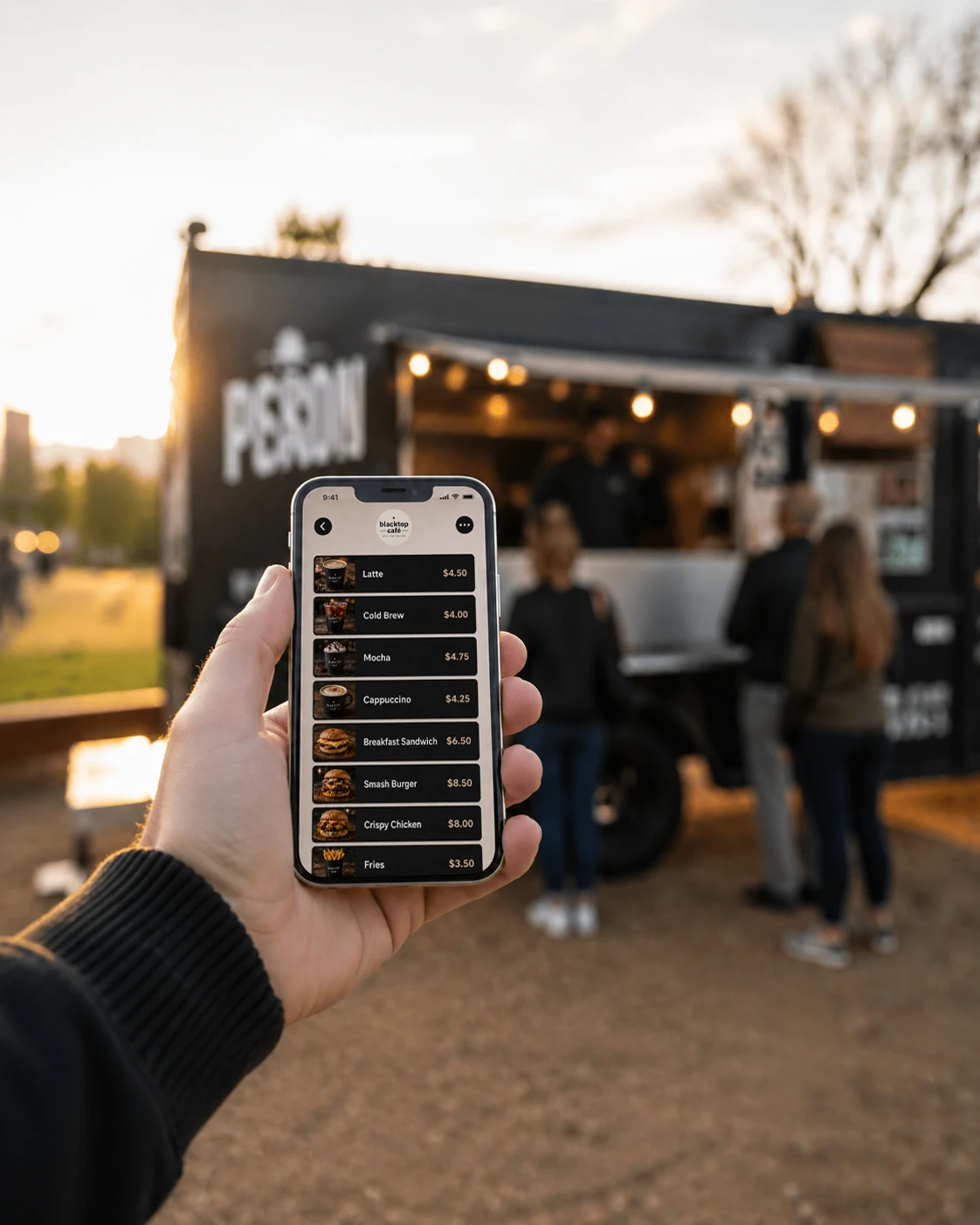
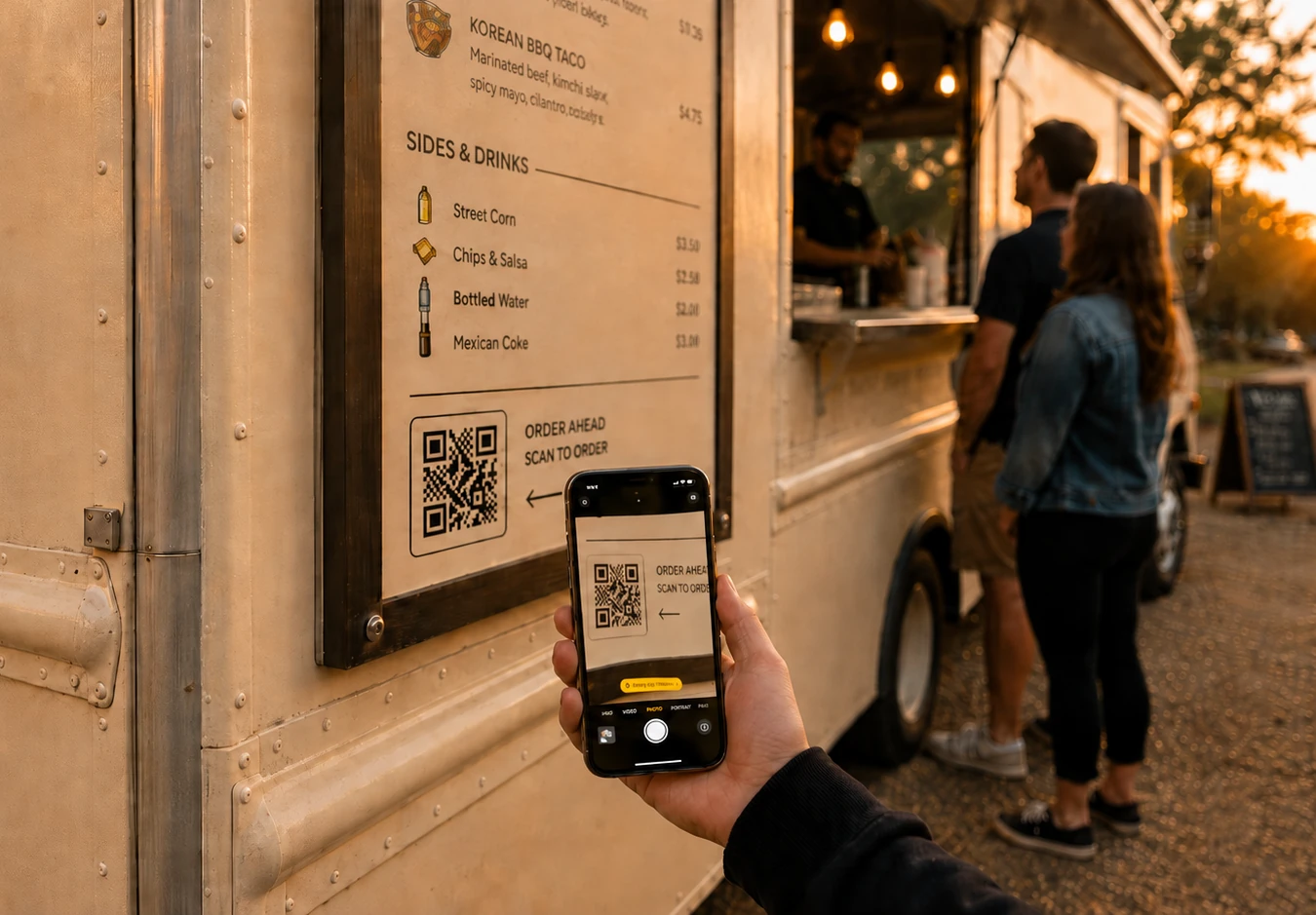
On iPhone, scanning your code opens an App Clip: a small piece of an app that appears instantly, with your logo and colors, and nothing to install. Order, pay, done.
Take Your First Order →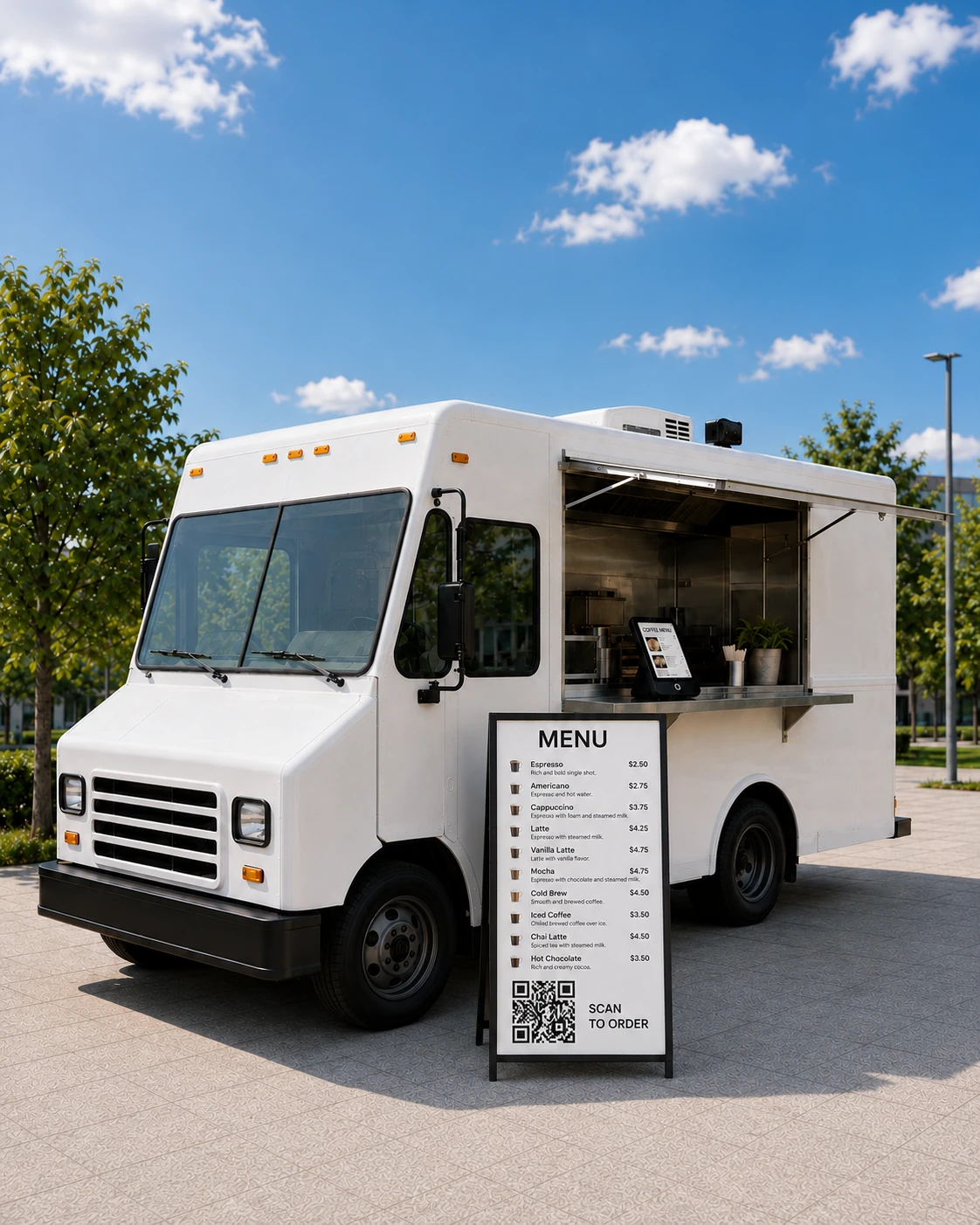
Android and every other phone get the same menu as a fast web page. No account, no password, no download.
Take Your First Order →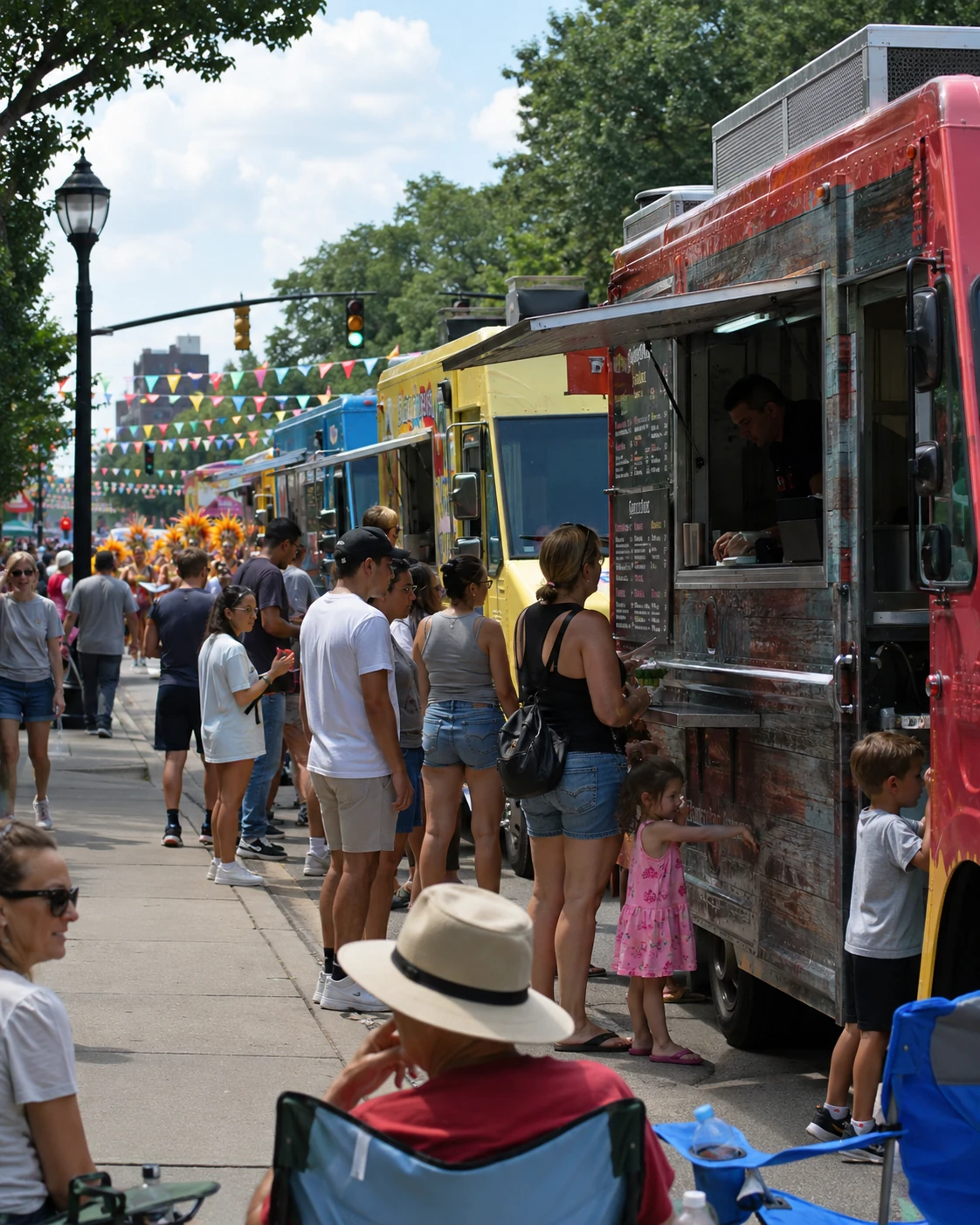
Use a QR code on your window and an NFC tag customers can tap with their phone. Both open the same ordering page.
Take Your First Order →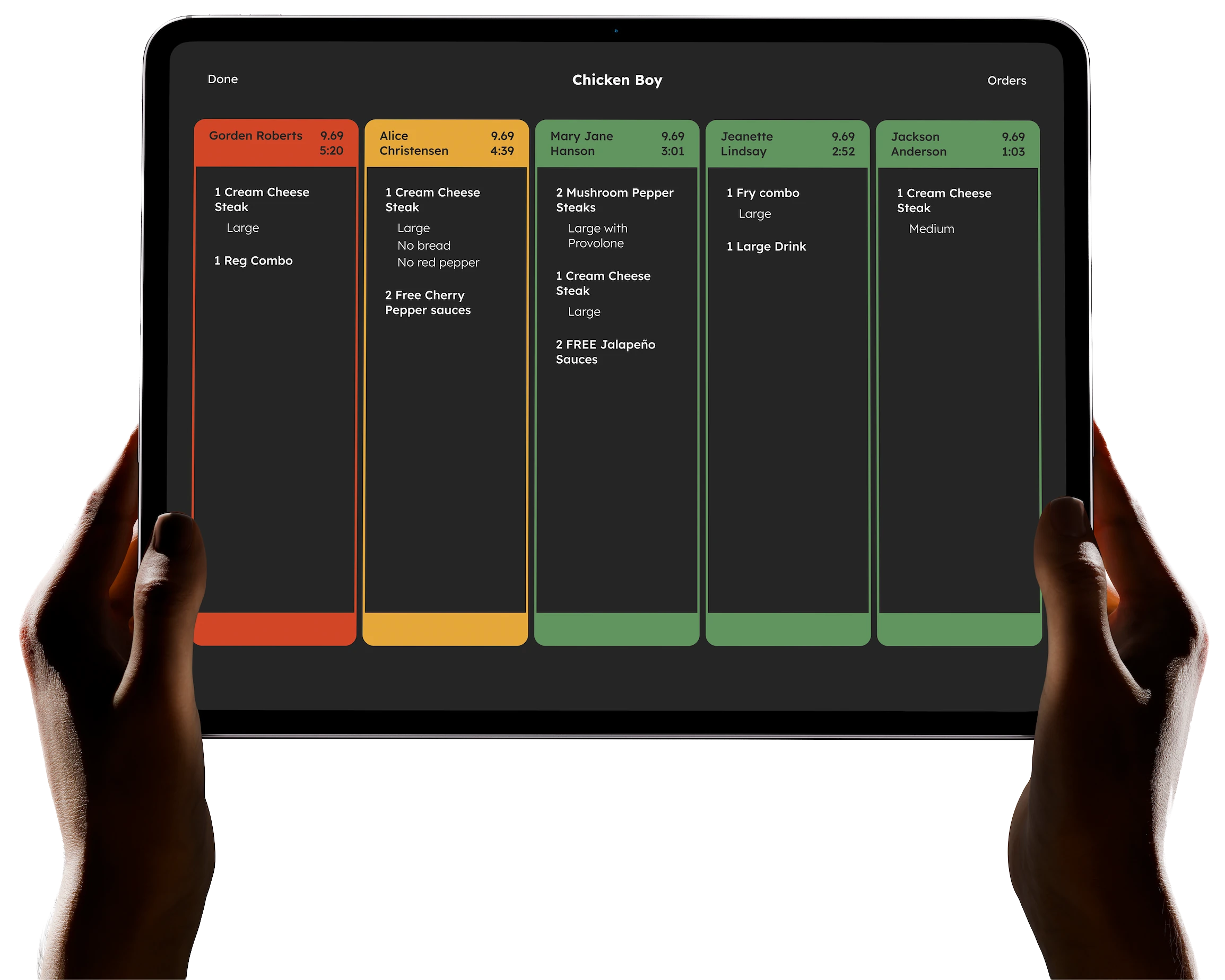
Phone orders arrive on your kitchen display alongside kiosk and register orders, and the customer gets a text when it’s ready.
Take Your First Order →My partner thought it was going to be a train wreck. Pushback has been less than 1% of customers.
Efficient and effective — that’s what Flash Order is. I’ve even pitched it to other trucks in the area. You’d get rid of all those paper tickets with just two screens.
The customer is paying a tiny fee to put their order in, compared to me paying $20 an hour for someone to do that for them. It just doesn’t make sense to go back.
What is an App Clip?
A feature of iPhone that opens a small part of an app instantly, without installing it from the App Store. Customers get a native ordering screen in a second and nothing stays on their phone.
Does it work on Android?
Yes. Android phones open the same menu as a web page.
Do customers have to create an account?
No. They can order and pay right away. If they leave a phone number, they get a text when their order is ready.
Can I use my own branding?
Yes. Your logo and colors appear on the ordering page and App Clip.
What does it cost?
Nothing per month, and no setup or device fees. Flash Order is funded by a 35¢ fee added to each customer’s order at checkout. It isn’t taken out of your payout. Square’s standard processing applies to the payment, as it does today.
Do I have to leave Square?
No. Flash Order runs on your existing Square account: sign in with Square, your menu imports, and orders and payments land in Square, which pays you out exactly as it does now.
Built for restaurants · Effortless ordering · Shorter lines